Page History
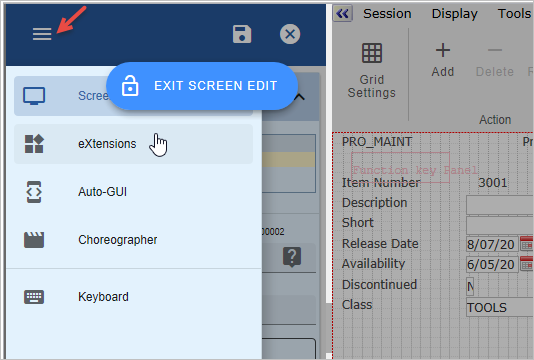
Click the menu and select eXtensions:
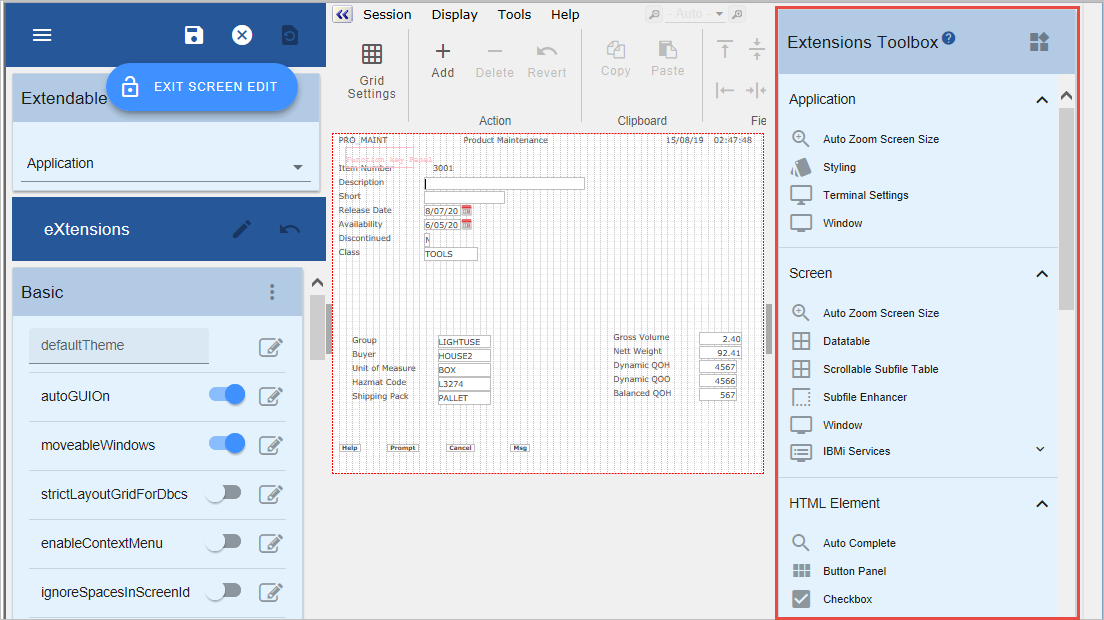
The Extensions Toolbox is displayed on the right:
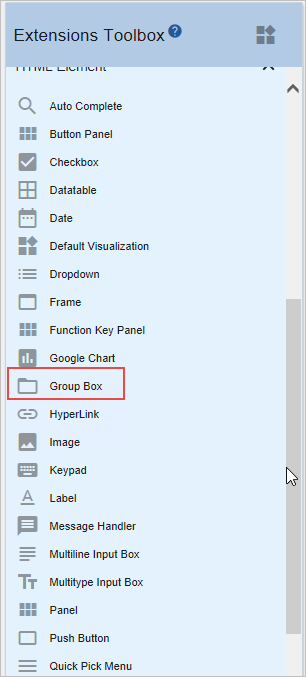
Scroll down the Extensions Toolbox and locate Group Box:
Drag it to the body of the panel and drop it somewhere like this:
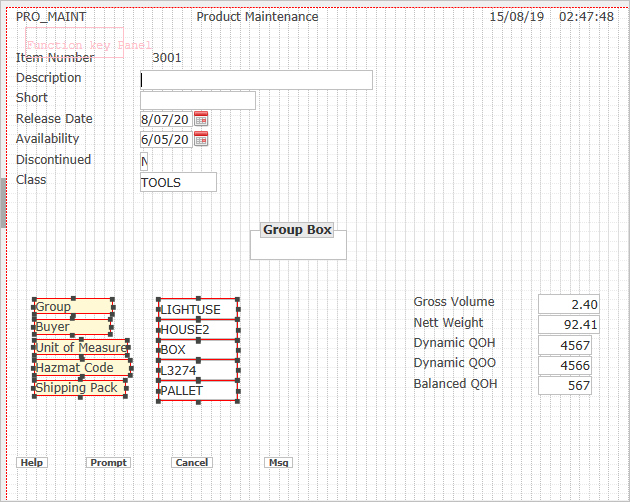
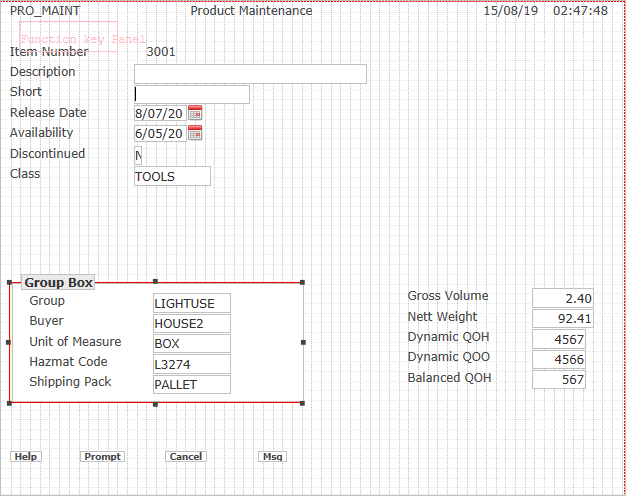
Dragging the box from the handles, enlarge it so that it encloses the group of fields in the first column:
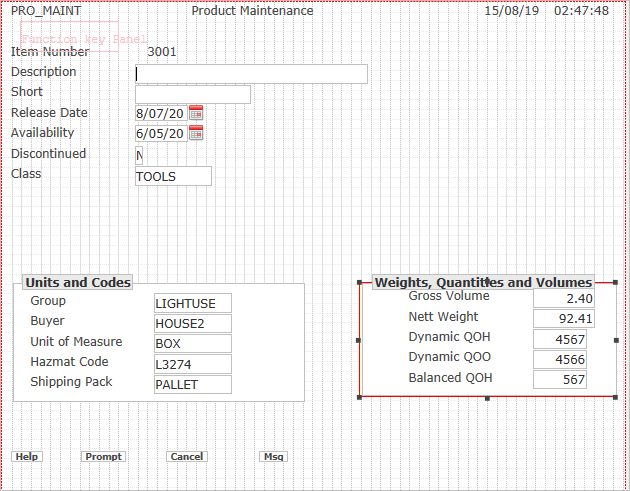
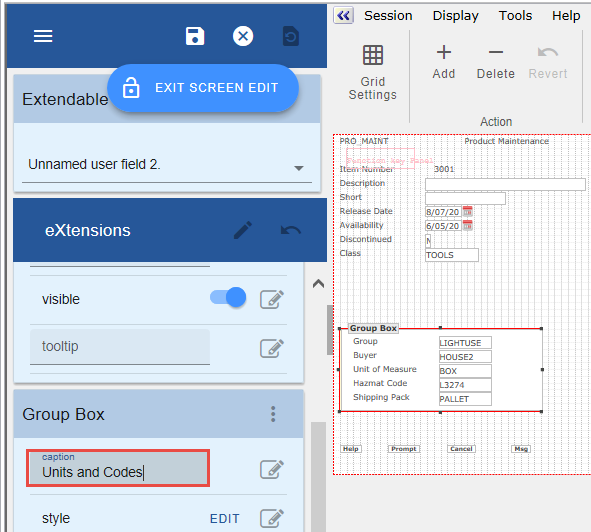
Set the caption to Units and Codes:
Drag a second group box and repeat with the other group of fields.
Set the caption of the second group box to Weights, Quantities and Volumes: