Page History
The Open command or 
 the Open toolbar icon opens an existing query so that you can check its definition and make any modifications before running it.
When you select this command, you are presented with the Open Query dialog box so that you can select the query you wish to open.
If you select to open a query that is defined as Output to Report or Output to Printer, the query will be changed to Output to File, as Output to Report and Output to Printer are no longer supported. You will need to save the query for the new Output Type to be remembered.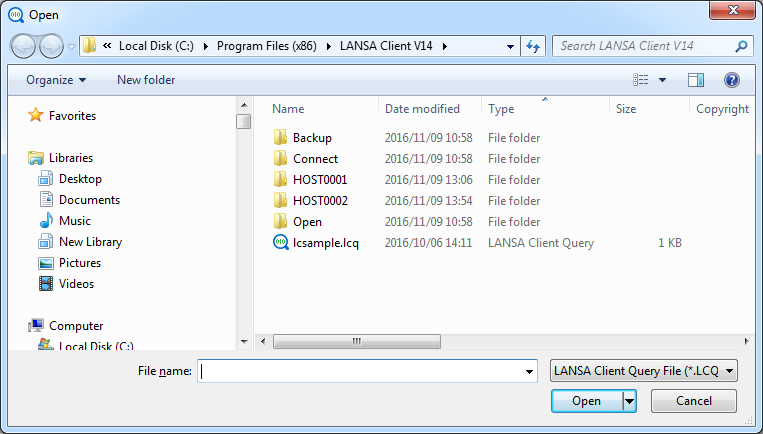
To run a query, you have opened using this command, use the 8.5.1 Execute command from the Query menu.
| Refer to LCE120 - Query a Single file in the Tutorial for details about Queries. |
