Versions Compared

Key

  • This line was added.
  • This line was removed.
  • Formatting was changed.

...

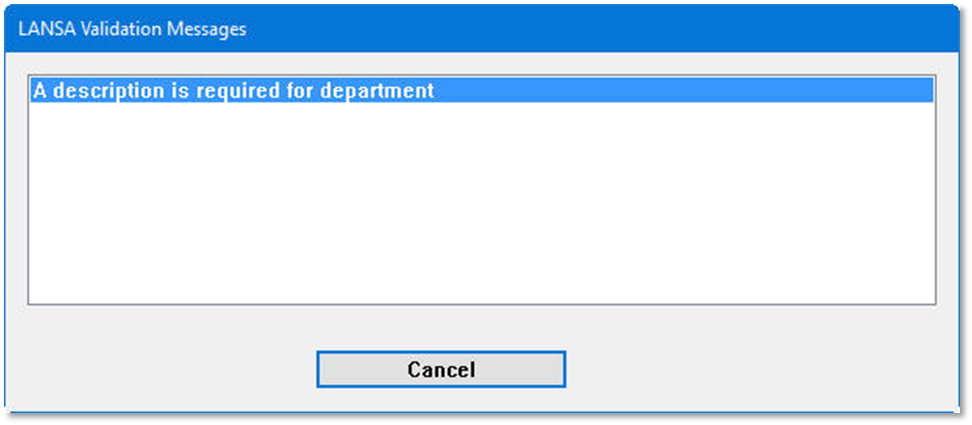
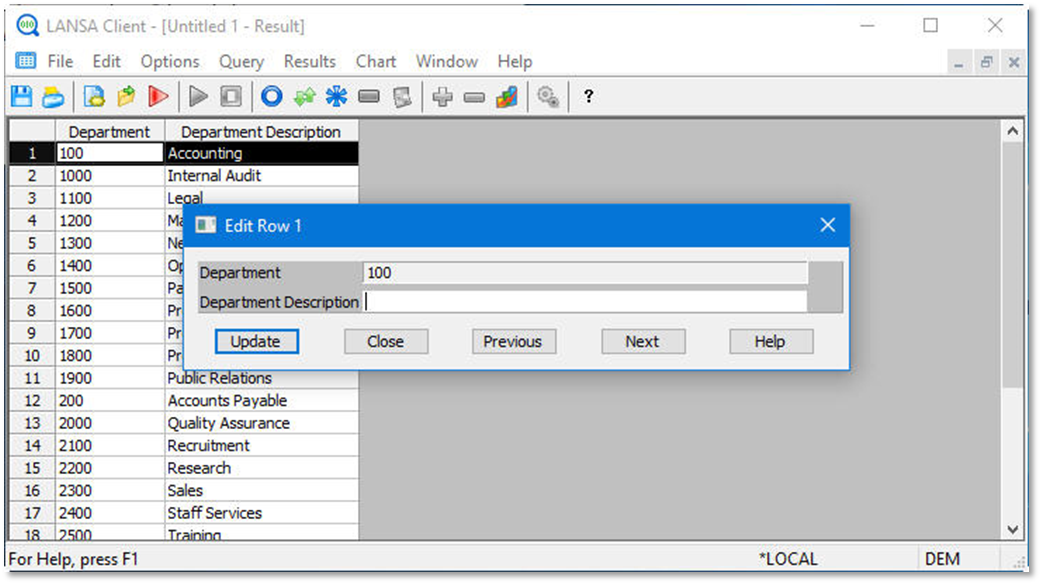
  1. Change the Department Description to blanks and press the Update button.

...


  1. Image Added

...


  1. Image Added

  2. Press Cancel.

...

  1. Press OK to close the validation error message window.

...

  1. Press Close to close the Edit Row window.
Tip

...

Tips:

  • The server component of LANSA protects your corporate data with validations and other business rules.
  • Other steps to try for this exercise:
    • Change any of the Department descriptions.
    • Add a new Department row/record.
    • Retrieve your data again from the server.
    • Delete the Department you have just added.