Page History
LCE280 - Sharing Data with Other Applications
1. Make sure LANSA Client is closed before starting this exercise.
2. Open Microsoft Word and start a new document
| Note |
|---|
...
| Note: This exercise assumes you have MS Word installed. If you do not have it installed, then try using WordPad if it is available. |
3. Insert a Query object: from the Insert menu, select Object.
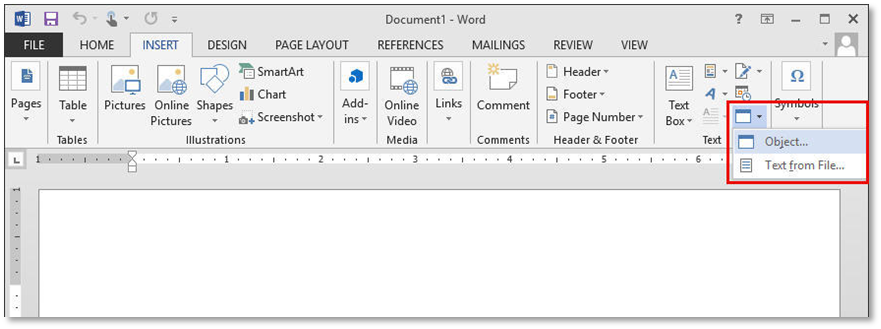
4. Select Create from File and use the Browse button to locate your exercise queries.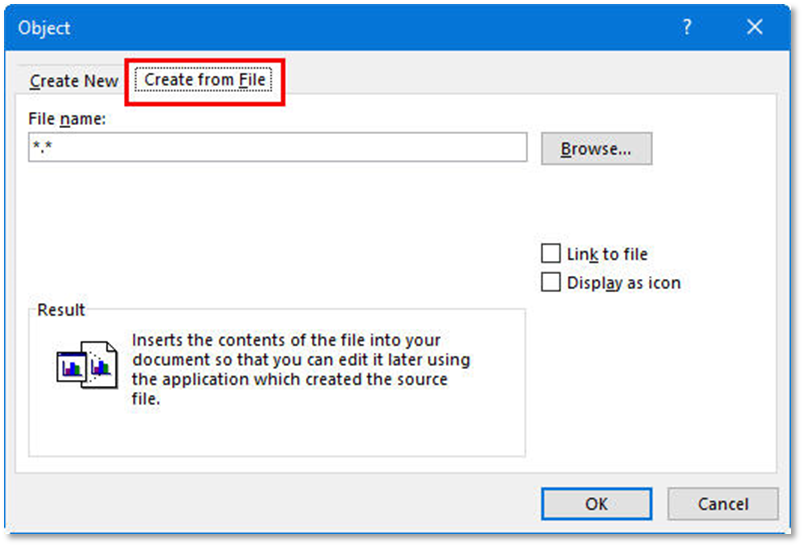
5. Select Salary values grouped by Department.lcq or any other query.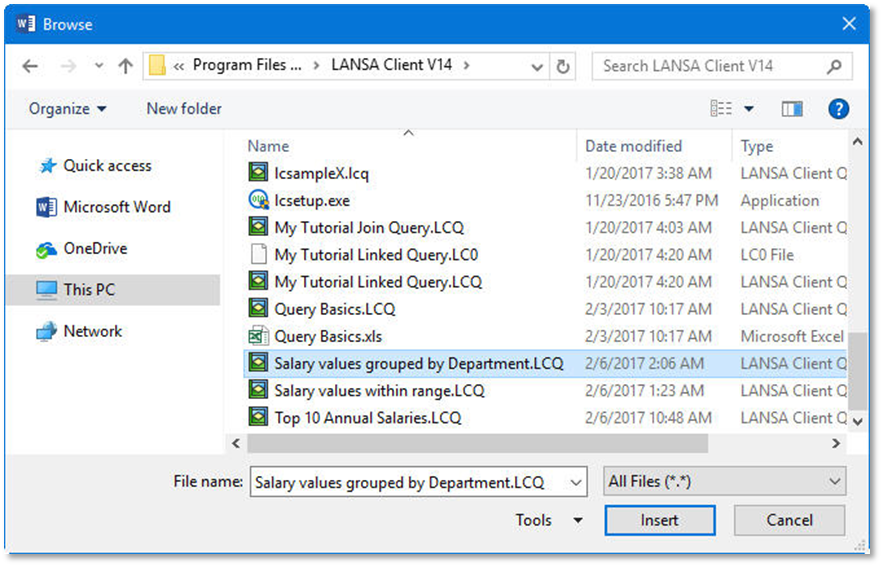
6. Click the Insert button.
7. Select the options: Link to file and Display as an icon.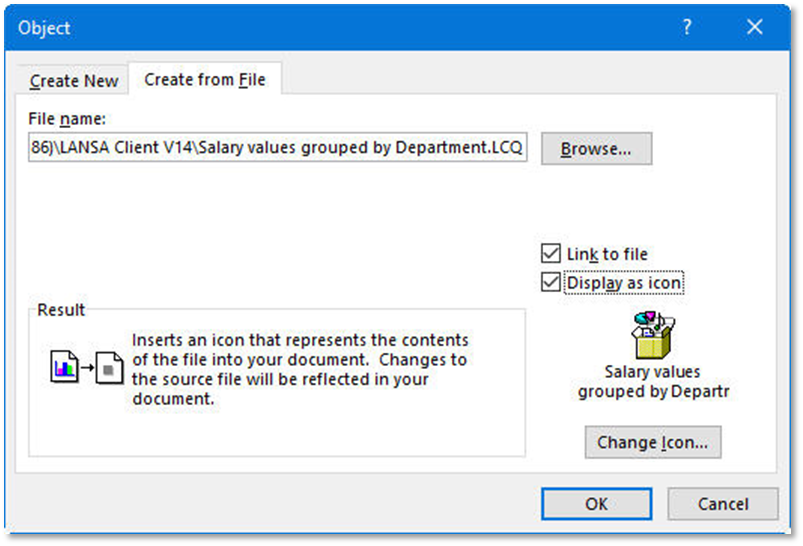
8. Press the OK button.