Page History
...
From Word:
This will demonstrate how you can run a LANSA Client query directly from your document.
1. Execute the embedded query by double clicking on the icon in your document.
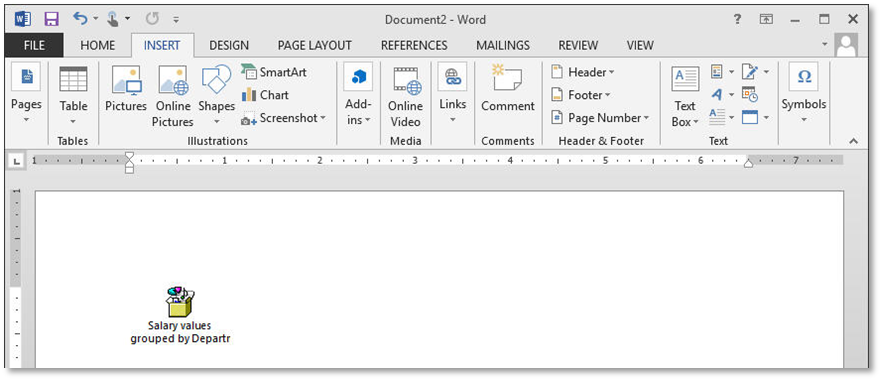
2. Click the Open button to open the Open Package Contents dialog.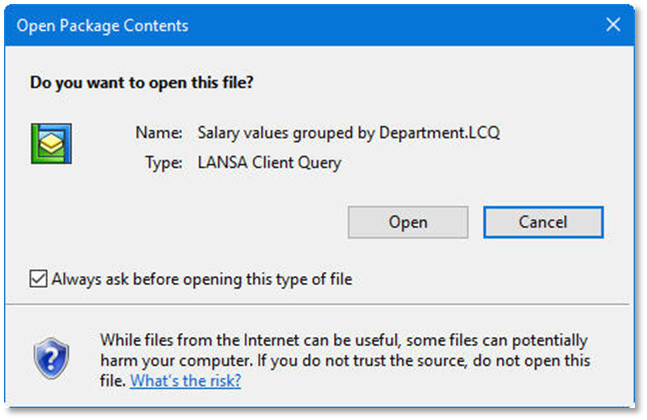
3. If prompted, select the host used for your LANSA Client exercises.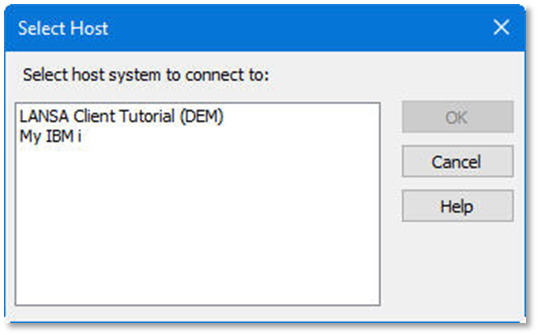
From LANSA Client:
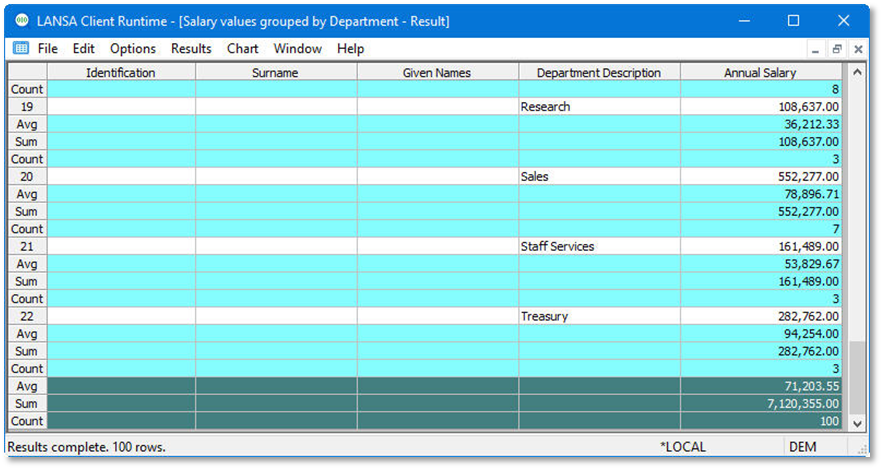
4. Review the LANSA Client query results: