Page History
...
1. The Visual LANSA Installation creates a LANSA desktop folder as shown:
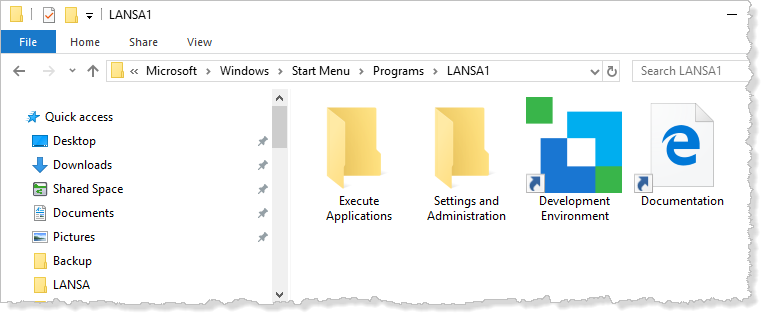
You can directly access the LANSA online documentation (docs.lansa.com) using the Documentation shortcut. Help (also referred to as the online guide) can also be accessed from within the Visual LANSA Editor. The Editor includes extensive context-sensitive help links.
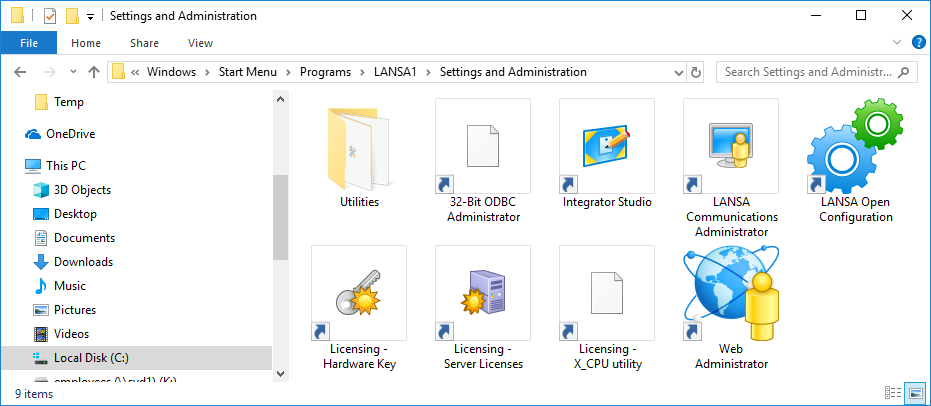
If you open the Settings and Administration folder, you will see a group of program icons used by LANSA Administrators to configure the LANSA environment:
2. Start LANSA using the Development Environment icon  in the LANSA folder
or
via the Development Environment icon in the Windows Start Menu.
3. Double-click on the Development Environment icon to start LANSA. The Visual LANSA Logon dialog will open. The logon dialog will be different depending on whether you are using an Independent Workstation or a Slave Workstation set up.