Page History
In this step, you will view the properties of an existing field, xEmployeeStreet using the Repository tab.
1. Open the Fields node and select the xEmployeeStreet field from the X group.
Right-click on the xEmployeeStreet field. Notice the list of options available in the context menu.
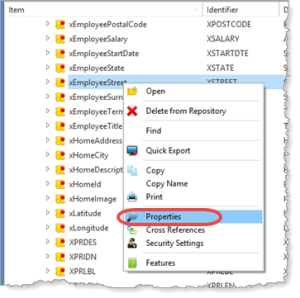
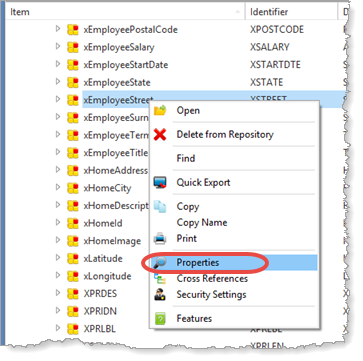
2. Select the Properties option. A brief summary of field properties will be displayed.
...
Information shown depends on the type of LANSA installation.
3. Close the Properties dialog.
In the next step, you will open an object in the editor.
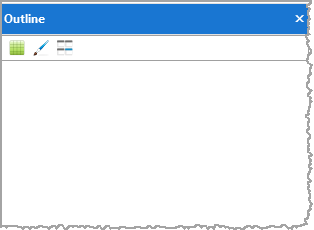
4. Before you open the object, select the Outline and Details tabs. (If these tabs are not open, select them from the Tabs menu or by pressing function keys F6 and F7.)
Notice that these tabs are blank because no objects are currently open.
If If necessary, shrink the width of the left-hand Navigation pane so that you can see the Editor view in the right-hand pane in the following steps.
Leave Leave these tabs open for the next step, Step 5. Accessing a Field's Definition.