Page History
...
1. In the Repository tab, expand the Resources group.
2. Expand System Variables.
3. Expand the M group (if the system variables are grouped alphabetically) to show all system variables starting with M.
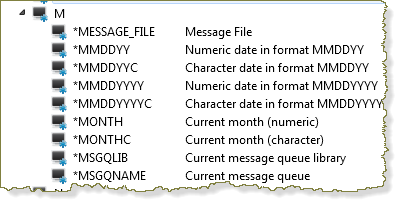
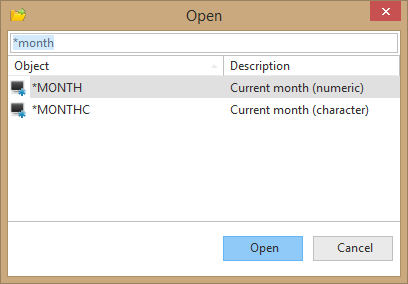
4. Locate and open the *MONTH system variable in the Editor. You may see a "Read Only" dialog as you open it depending on your installation type.
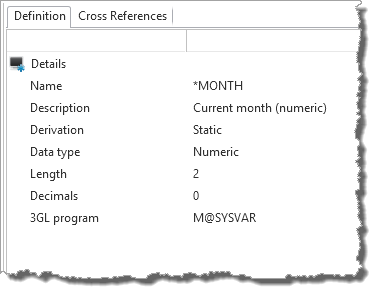
5. Review the system variable definition.
...