Page History
...
Two tabs are displayed. Each tab can be used to define a web server to the Framework: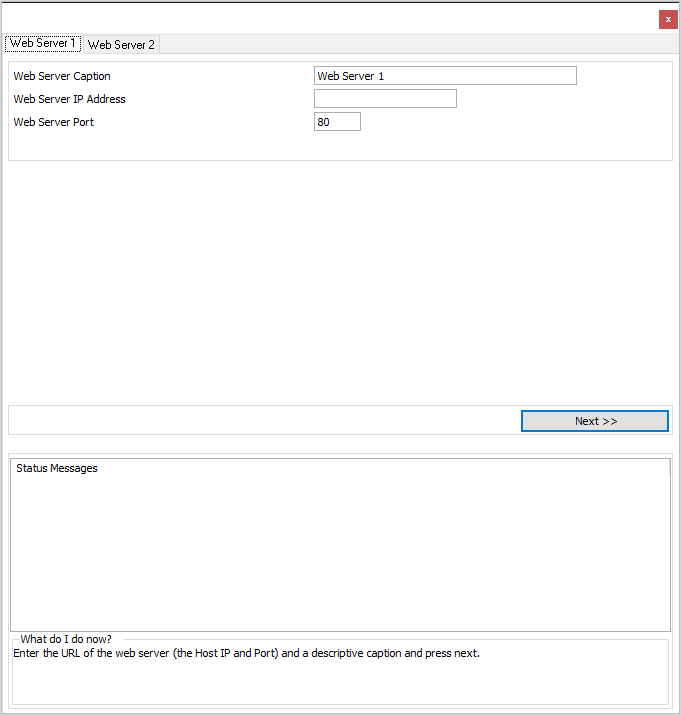
Windows Web Server
In one of the tabs, enter the ip address and port used by your windows web server, and a caption describing the web server.
For example, if the web server was an IIS webserver on your own PC, and you were using port 80, you could enter: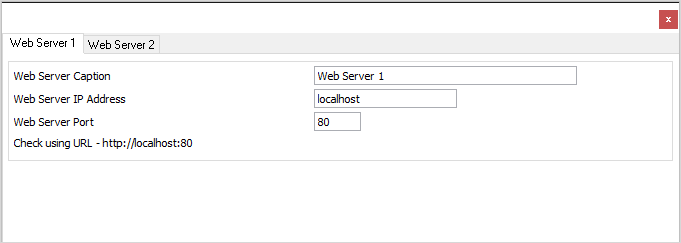
Press the Next button and follow the instructions.
...
Choose a drive letter and map it to \\host_ip\IFS, and map it using a different user name - use an IBM i user profile and password (where host_ip is the ip address of the IBM i, or a name that resolves to that ip address).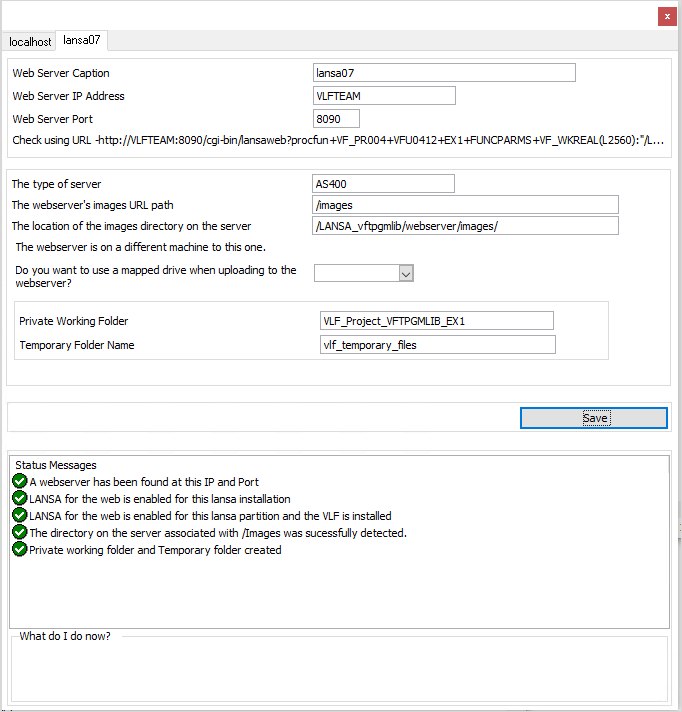
When you have finished, save and then close the VLF-WEB/NET Configuration Assistant.