Page History
...
- Start the Program Coding Assistant.
- Select the iii HR application, then the Details command handler.
- Select Web – using WAM components as the platform.
- Select Basic Command Handler as the type of code you want create.
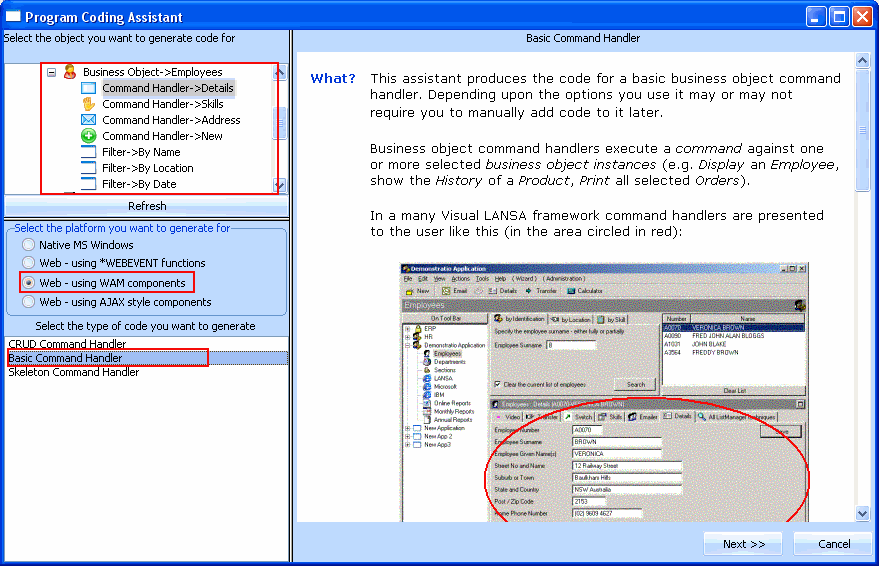
- Click the Next button.
- On the next page specify PSLMST as The physical file that most closely resembles this business object.
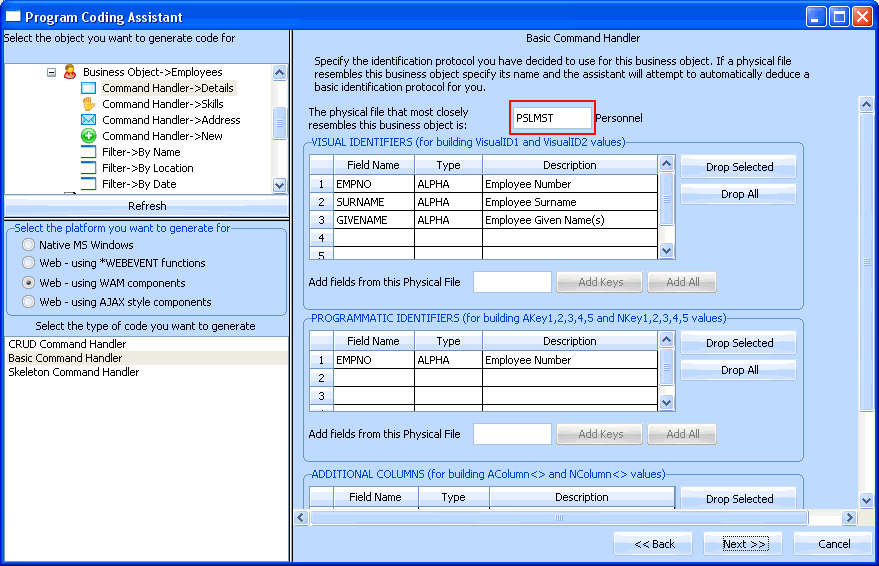
The Program Coding Assistant detects the Visual and Programmatic Identifiers required.
- Click the Next button.
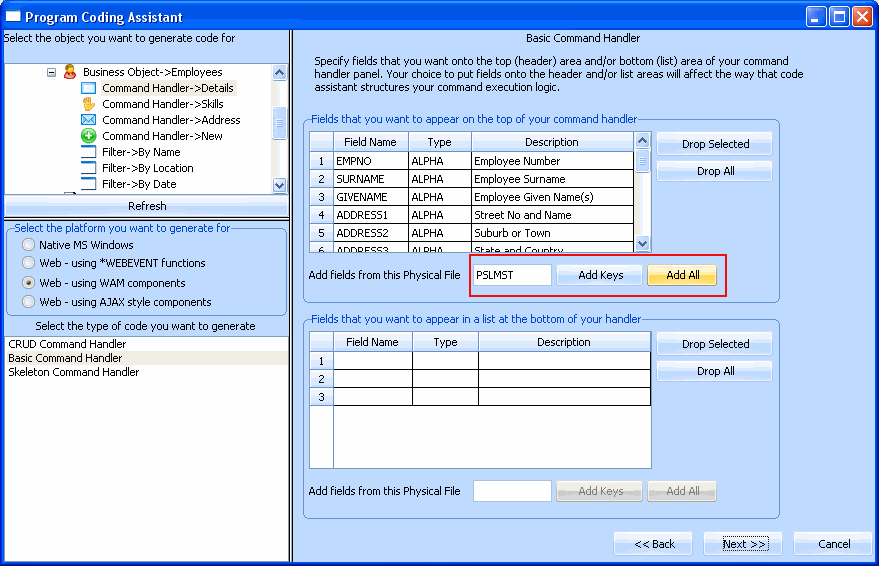
- On the next page specify PSLMST in the field Add fields from this physical file in the section Fields that you want to appear at the top of your command handler.
- Click on the Add All button.
- On the next page select the Include Default Save Button and Logic and click the Generate Code button.
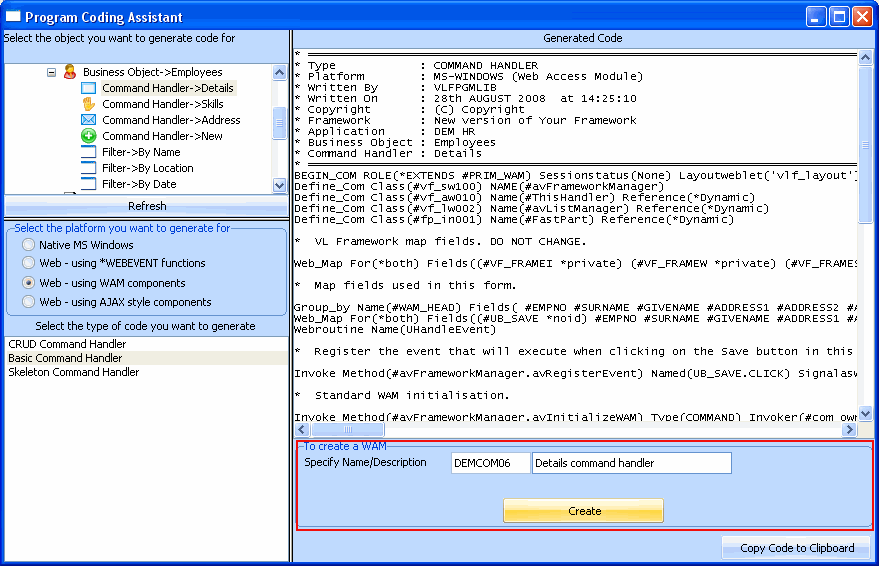
The next page, Generated Code, displays the source code for your command handler. You now need to create the component that will contain the code: - Specify iiiCOM06 (where iii are your initials). Make the description of the component Details command handler.
- Click on the Create button button and wait until you see a message saying the component has been created in the development environment.
- Switch to the Visual LANSA editor. The iiiCOM06 WAM is displayed in the editor.
- If you are using a partition with language NAT, you need to change the default value of the #UB_SAVE field to SAVE and change this Web_Map statement to:
Web_Map For(*both) Fields((#UB_SAVE *Desc) #EMPNO #SURNAME #GIVENAME #ADDRESS1 #ADDRESS2 #ADDRESS3 #POSTCODE #PHONEHME #PHONEBUS #STARTDTER #TERMDATER #DEPTMENT #SECTION #SALARY #STARTDTE #TERMDATE #MNTHSAL) - Locate the #avFrameworkManager.uWAMEvent_1 handler and add a statement to save any changes made to the employee details. For example:
UPDATE FIELDS(#WAM_HEAD) IN_FILE(PSLMST) WITH_KEY(#EMPNO) - Locate the uInitialize event routine. This routine is always called when the command handler is invoked. Notice that it uses #avListManager.GetCurrentInstance method to get the key value of the currently selected item.
- The uExecute event routine is only ever executed when the WAM is executed (that is, when a filter is started or a command handler is executed). When events occur inside an active WAM (for example a button click) uExecute is not signalled, just the registered uWAMEvent_N event.
- Save the WAM.
- Check-in your changes to the server:
...