Page History
In this step, you will create a copy of the xDemoDragandDrop form and we'll then look at some editor features.
...
Creating a copy of form xDemoDragandDrop will enable you to edit the form.
1. On the Repository tab, expand the Forms node.
2. Expand the X node to see a list of all forms starting with the letter X.
3. Right-click form xDemoDragandDrop and choose the Copy option from the context menu.
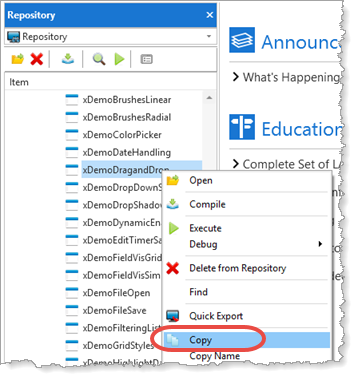
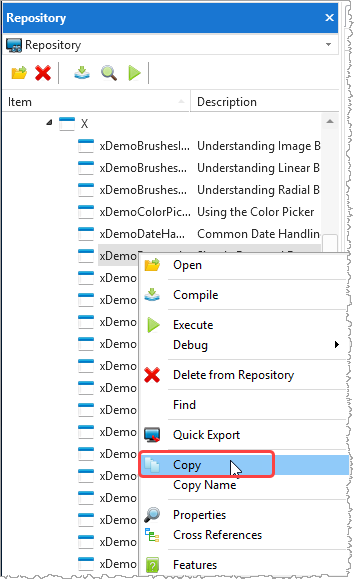
4. The Create as a copy of xDemoDragandDrop dialog will appear.
Enter a Name of iiiDragandDrop (where iii=your initials).
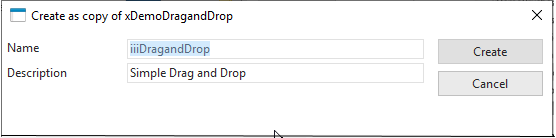
5. Press the Create button.
6. The form is open for editing. The Design tab is selected by default, and the design layout of form is shown.
7. Display the source by clicking on the Source tab.
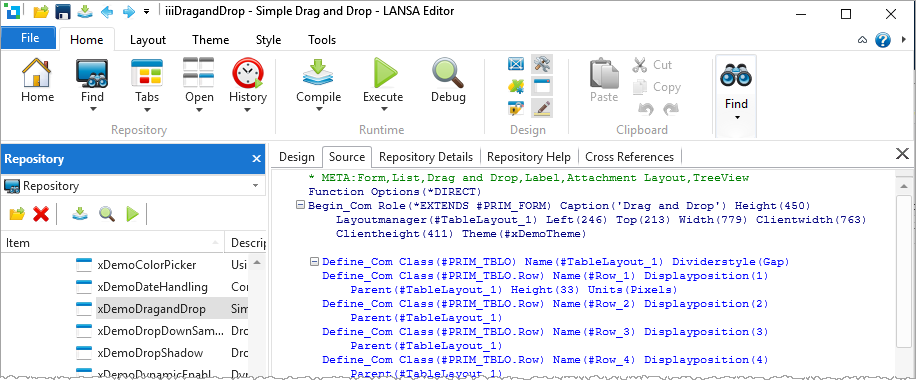
The The Source tab shows all the source code of the form.
| Note |
|---|
| Note: Do not compile this form. We will simply use this code's source to demonstrate editor features. Leave the form iiiDragandDrop open in the editor. |