Page History
...
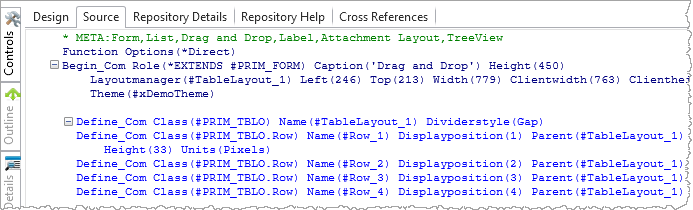
1. Notice that the source code is currently showing the details for all component definitions:
2. Using the File menu, select Options to open the LANSA Options dialog.
3. Select the Source icon to view the source code options.
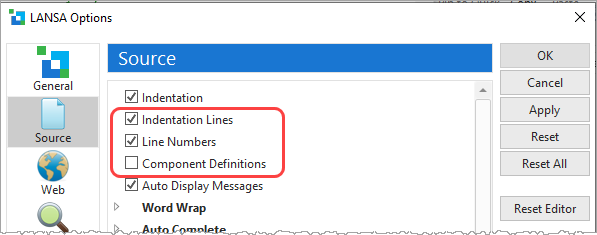
a. Select the Indentation and Line Numbers options.
b. Deselect the Component Definitions option.
b. Press Apply.
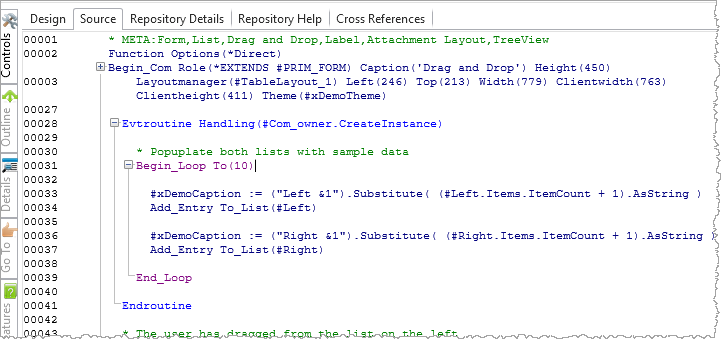
4. You will see that the source code is now showing indent lines and line numbers.
Note that the component definition statements (Define_Com) are now compressed so that only the Begin_Com is shown.
5. Reset the Editor Source Settings to remove the Line numbers and Indentation Lines and to show all Component Definition lines.