Page History
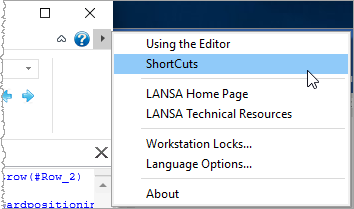
1. From the Help menu button at the top right of the editor, select Shortcuts:
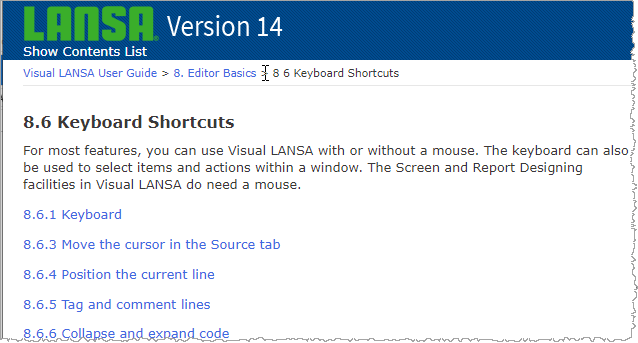
2. Keyboard Keyboard Shortcuts help will be displayed in your default browser. Use the links to review some of the many editor shortcut options:
3. Use the Favorites / Last Opened tab, to open form iiiDragandDrop in the editor.
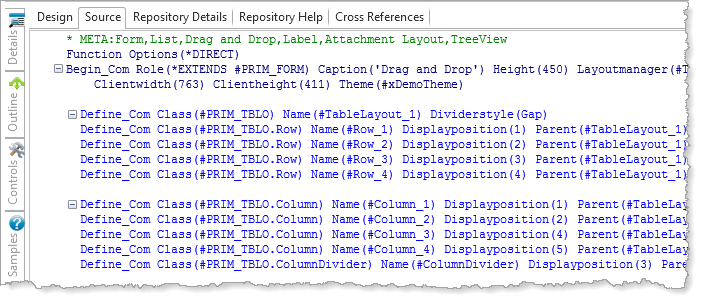
4. Display the Source tab.
Remember, your source code's appearance is determined by the editor's Source display options. (Refer to exercise VED010 - Format Source Code).
5. If you have not already done so, turn on Autohide to maximize the display area for your source code.