Page History
In this step, you will use keyboard shortcuts to move the cursor to different positions in the code displayed in the Source view.
1. Move the cursor to the end of the window by pressing the End key twice.
| Note |
|---|
| Note: This moves to the end of the window, not the end of the source. |
2. Move the cursor to the top of the window by pressing the Home key twice.
3. Move the cursor to the end of the source by pressing the End key three times.
4. Move the cursor back to the top of the source by pressing Ctrl + Home.
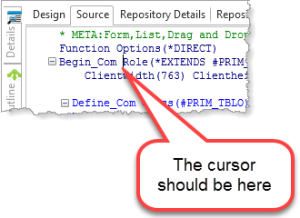
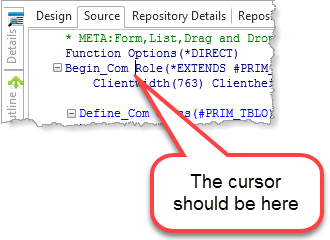
5. Use Use the down arrow key to move to the BEGIN_COM statement in the Source tab, and then use the Ctrl + right arrow key to move to the next part of this BEGIN_COM statement.