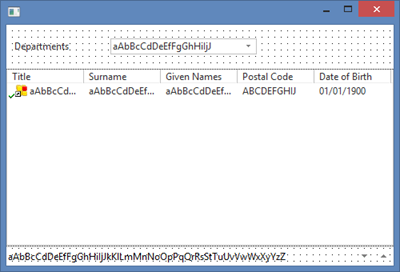
Page History
...
2. Drag a List View control onto the form into row two.
3. Select the Layout ribbon and give the List View a Size of Fit Both. The list will expand to fill row two.
4. Drag a Status Bar into row three. This will expand to the form width and attach to the bottom of the form.
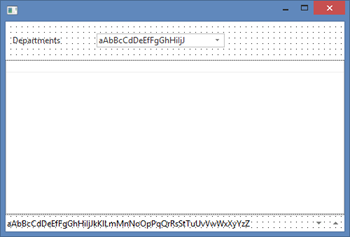
Your form should look like the following:
5. Locate the table xEmployee on the Repository tab and expand it. Drag and drop fields xEmployeeTitle, xEmployeeSurname, xEmployeeGivenName, xEmployeePostalCode and xEmployeeDateofBirth into the list view (ListView1). Your form should look like the following: