Page History
1. Open WAM iiiEmpEnquiry in the editor. Open the begin WebRoutine in the Design view.
2. Use the Editor Options from the File menu.
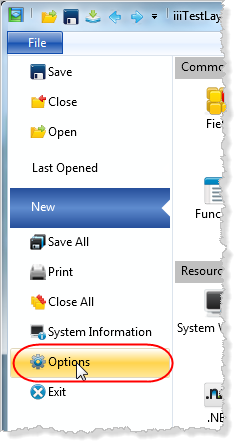
Select
Select the WAM icon: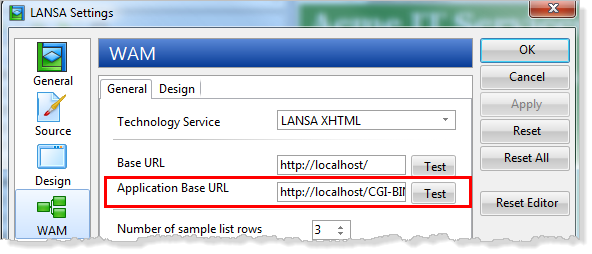
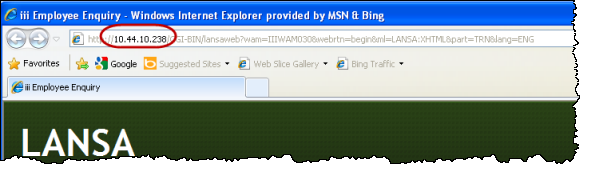
3. Change the Application Base URL setting to point to the IBM i IBM i server. This could be specified as a domain name or an IP Address.
4. Test the definition by clicking the Test button: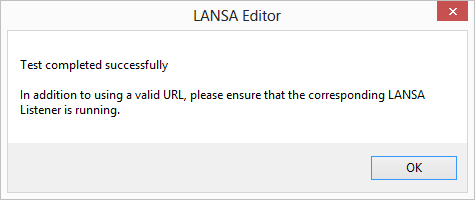
5. Close the settings dialog by clicking the OK button.
6. With the WAM iiiEmpEnquiry open in the editor, open the begin WebRoutine in the Design view and Run in the browser. Your WAM will be run on the IBM i.