Page History
...
- Expand Definitions in the Navigator and click Processing sequences. Use the filters and the Processing Sequence list to locate and select the desired Processing Sequence.
- Click the Run History tab. A list of recorded prior runs of the Processing Sequence will be displayed.
- Select the run you wish to restart and click the Restart button. If the Restart button is not enabled, then the run is not eligible to be restarted. The Restart processing sequence window is displayed.
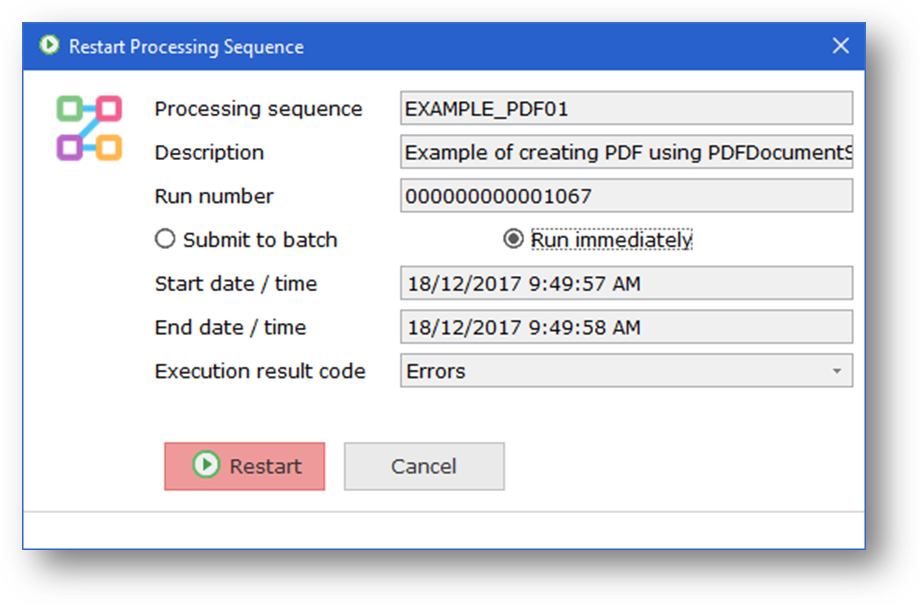
- Click the Restart button.
...