Page History
...
Go to the Visual LANSA main page if you want to export the whole content. On the top right corner of the page, you see  , click on it and select Export to PDF.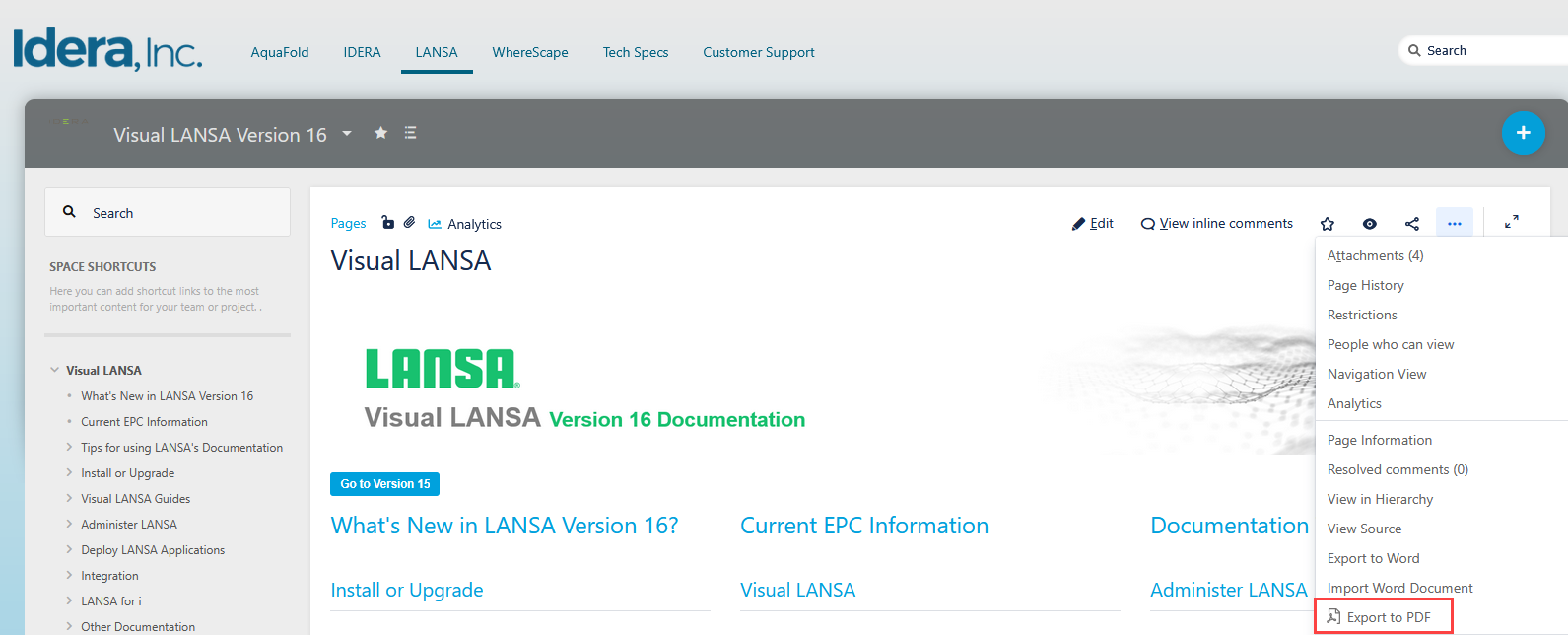
Select the template, scope, and then export as detailed in the image below: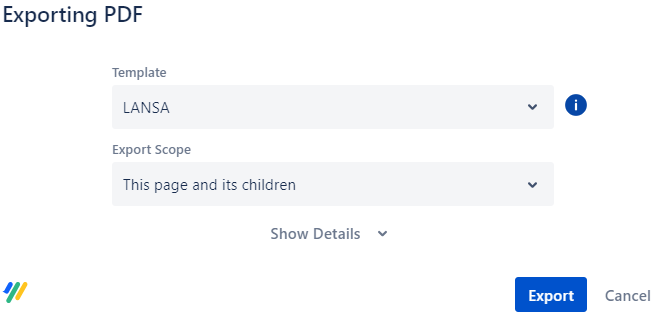
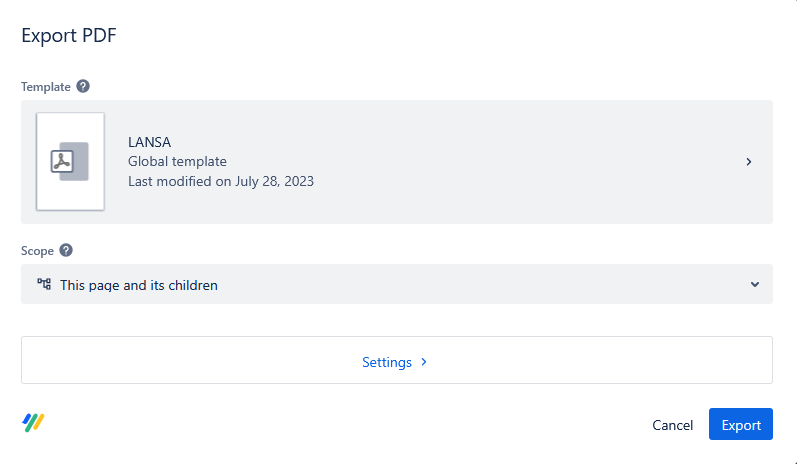
If you want to export a specific section, go to the section, click on , and select Export to PDF.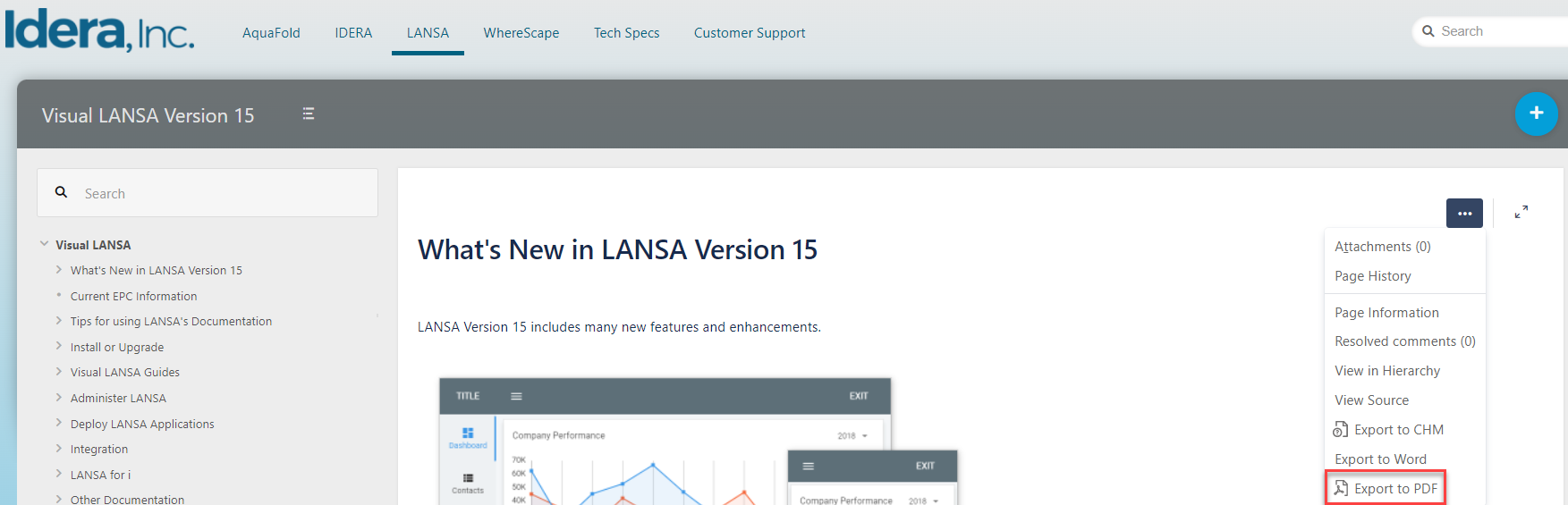
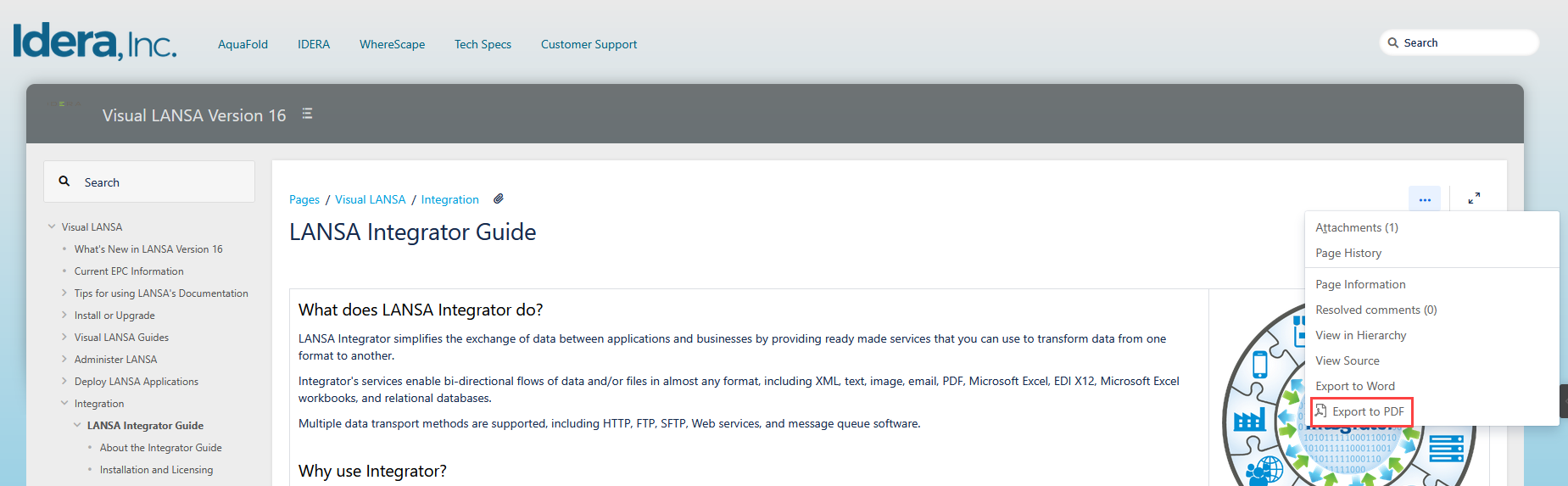
Select the template, scope, and then export as detailed in the image below:
You will get your documentation in a PDF document.