Page History
...
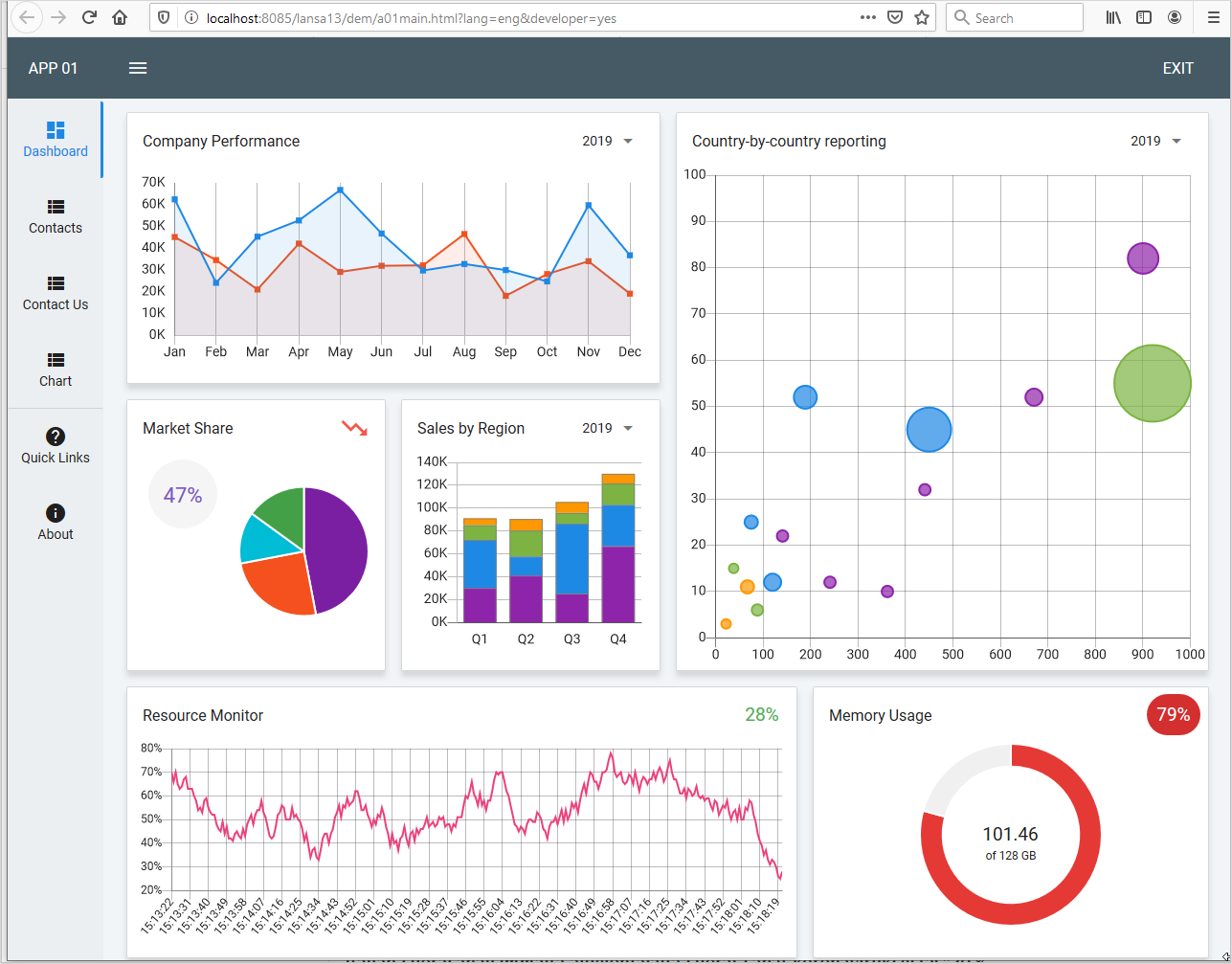
Use the Dashboard template to generate an application which showcases various usages for charts:
...
Use the Controls tab to add charts to your component: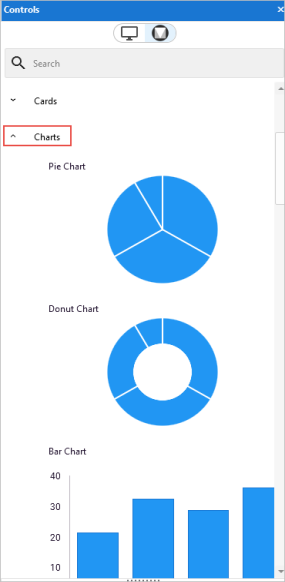
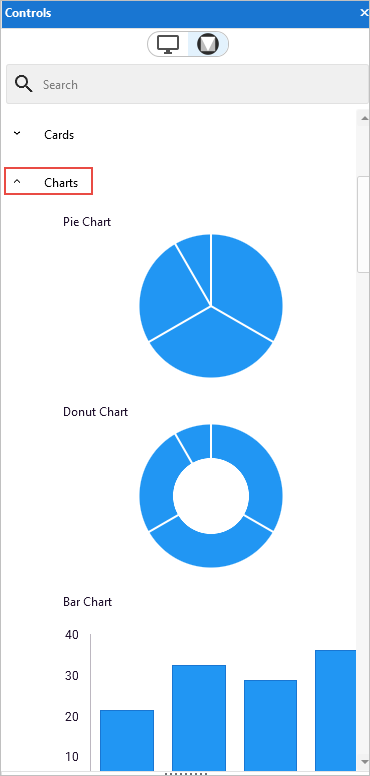
These are the available chart styles:
|
|
|
|
|
|
|
|
|
|
|
|
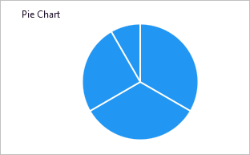
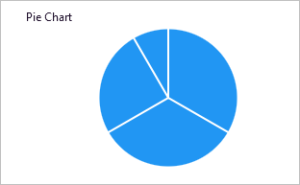
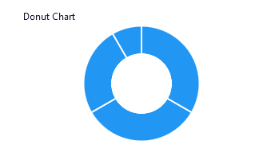
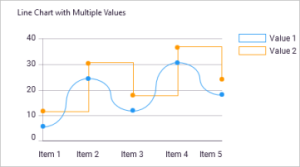
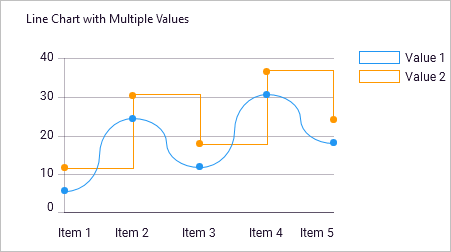
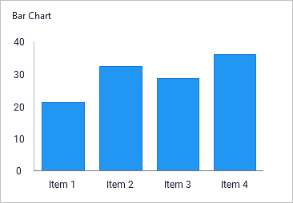
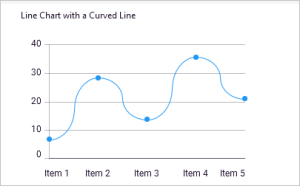
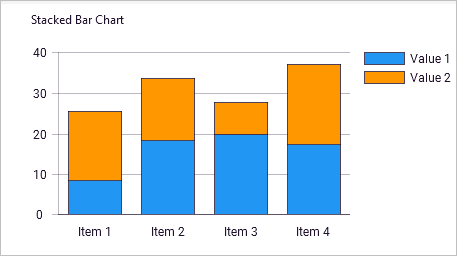
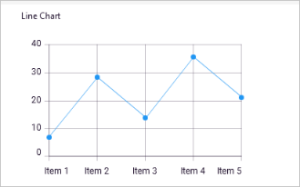
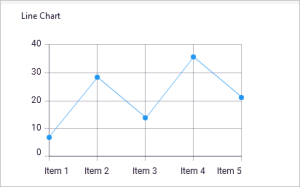
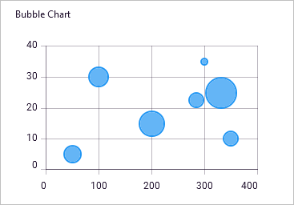
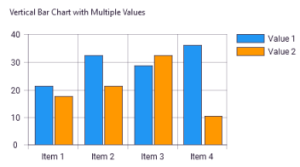
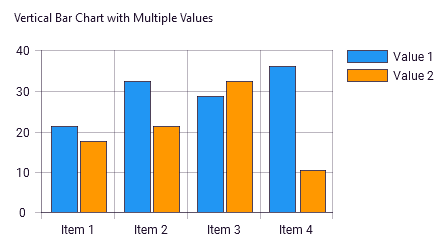
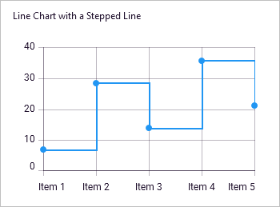
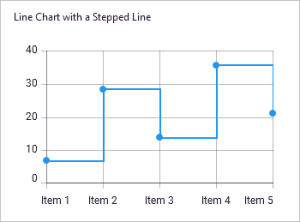
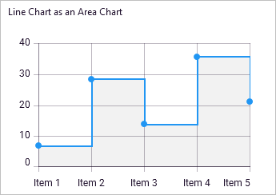
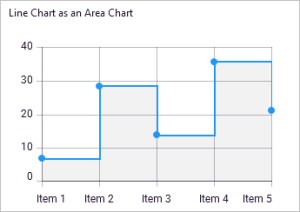
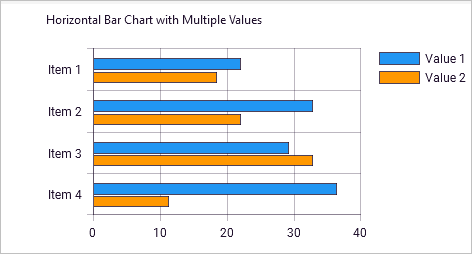
To add a chart to your web page or view, simply drag and drop it from the Controls tab.
Here a pie chart has been dropped on a web page: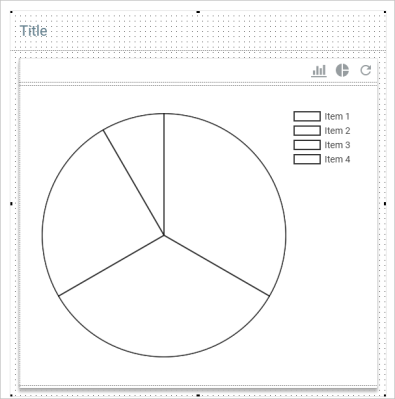
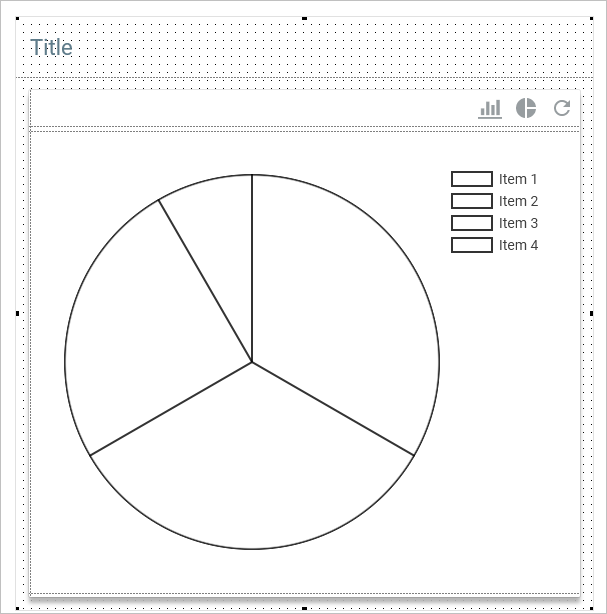
Here is the chart's definition in the Source tab:
     * Define_Com Class(#PRIM_CHRT.BarChart) Name(#BarChart) Displayposition(3) Gridlines(Horizontal) Height(398) Left(33) Parent(#Panel) Tabposition(3) Tabstop(False) Top(73) Width(486) Visible(False)
     * Define_Com Class(#PRIM_CHRT.BarChartCaption) Name(#BarChartCaption) Parent(#BarChart)
     * Define_Com Class(#PRIM_CHRT.BarChartValue) Name(#BarChartValue) Displayposition(1) Parent(#BarChart)