Page History
...
- To import a worksheet, select Import Excel Worksheets from the Tools tab on the ribbon:
...

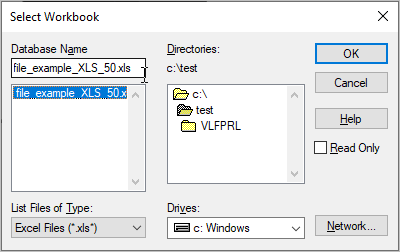
- Choose the file to be imported.
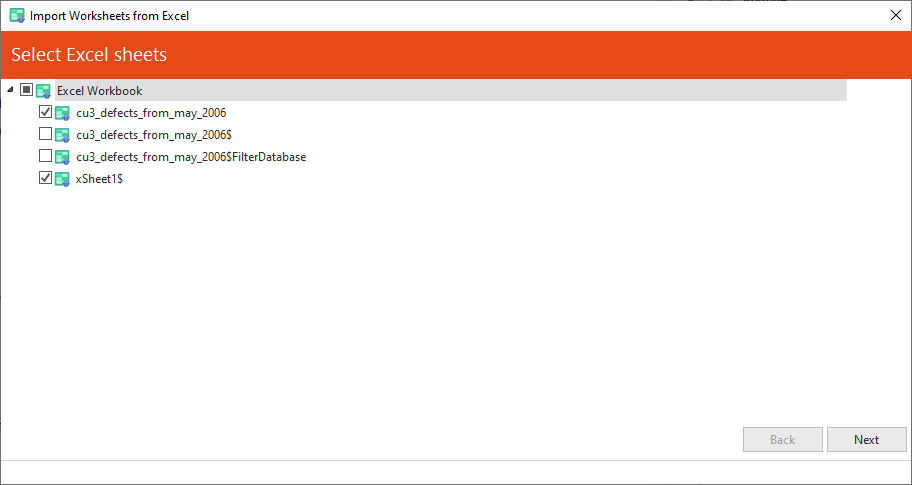
- Select the worksheets to be loaded as LANSA tables:
...
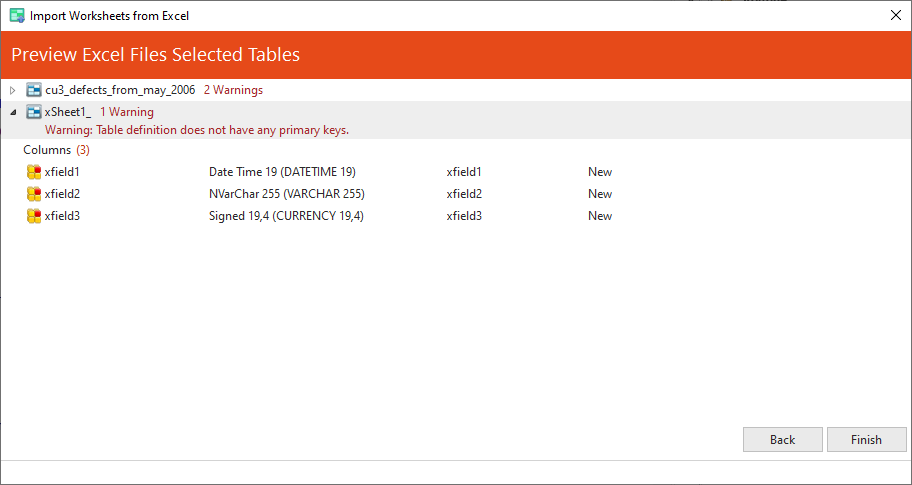
- Verify the selected work sheets worksheets and columns which will be generated:
...
Each
...
- worksheet generates a LANSA table, the name/identifier/description of the table needs to be provided. You can select to include all or a subset of the columns from the original worksheet definition.
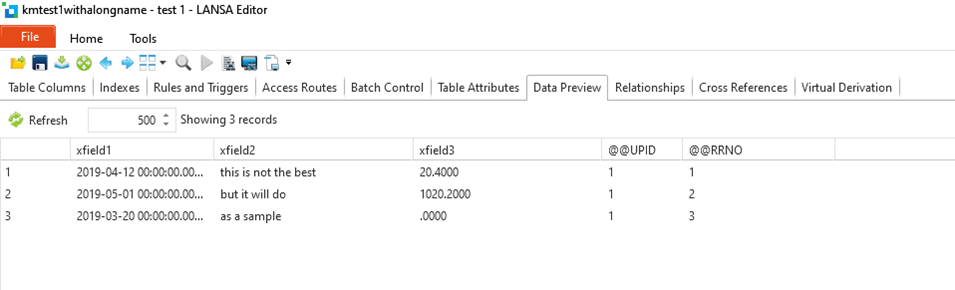
After the tables are generated and compiled, data will be copied into LANSA tables corresponding with the data from the Excel worksheet.
- Verify the table(s) have been created with expected columns and data copied into them:
...
The temporary tables created during the import are automatically removed upon completion of the processing.