Page History
For an IBM i IBM i Slave System, you must specify the name of the Slave to which the LANSA for i for i Master will refer to.
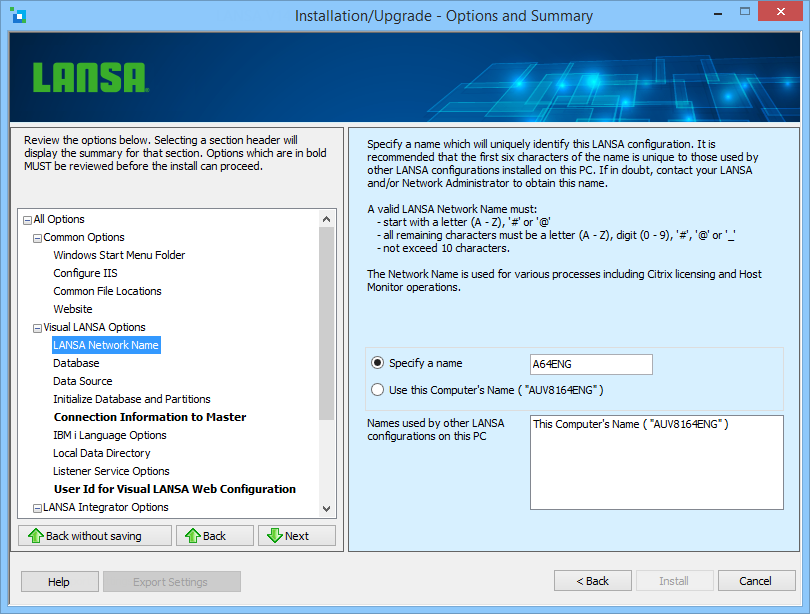
Specify a name
If you select this option, the corresponding value will initially contain a name that is generated by the Visual LANSA install. This name will only be unique amongst all the configurations on your PC.
...
- start with a letter (A – Z), '#' or '@'
- all remaining characters must be a letter letters (A – Z), digit digits (0 – 9), '#', '@' or '_'
- the length must not exceed 10 characters
...
Select this option to use the computer's name as the LANSA Network Name. The computer's name will be shown in brackets.