Page History
...
Download the ZIP file from here:
httphttps://resdeveloper.lansa-dev.com/files/java-interop-tutorial.zip
Extract the ZIP file to a folder on your IBM i's IFS, for example /home/tony/java-interop-tutorial.
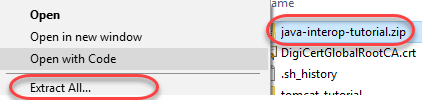
From Windows Explorer, right-click on java-interop-tutorial.zip, then choose Extract All….
Change the target folder to your IFS folder, and tick the Show extracted files when complete checkbox:
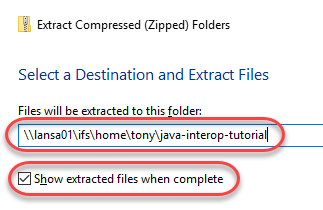
Press the Extract button. Access to IFS is often slow so the extraction process might take a few minutes. You should see a new Explorer Window with the extracted files afterwards.
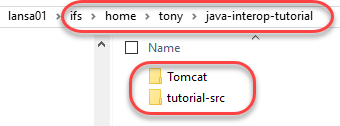
You should see two folders:
...