Page History
On an IBM i
Use the command STRSEU or EDTF to edit the source file X_FUNRTR (member X_FUNRTR) in the selected library.
On a PC
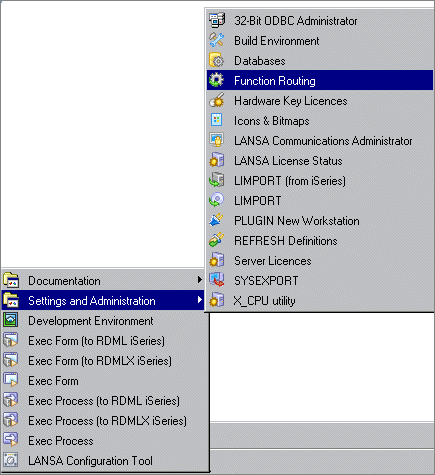
Select the Function Routing option from the Settings and Administration menu of your Visual LANSA system to open the Edit a Function Routing Table dialog box.
Enter the partition for which the function routing table (X_FUNRTR.DAT) is required and press OK. If you need a refresher of the contents of the Function Routing Table, press the Help button.
...