Page History
...
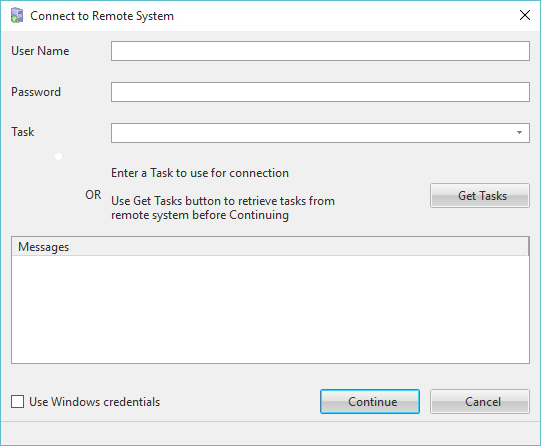
The Task may be entered, or if you do not know a valid task, use the Get Tasks button to retrieve a list of valid tasks from the Remote System for the supplied User. You can then select a Task from the returned list and use the Continue button to complete the Deliver To request.
The selected task is assigned to the object on the IBM i. It overwrites the current assignment on IBM i. It does not use the Task that the object is assigned to on the PC. If the Task is a special task which has Unlock on Check In set to Yes, the Task Id will be cleared on IBM i.