Page History
...
Objects can be removed from the check out dialog by using the delete  option in the toolbar.
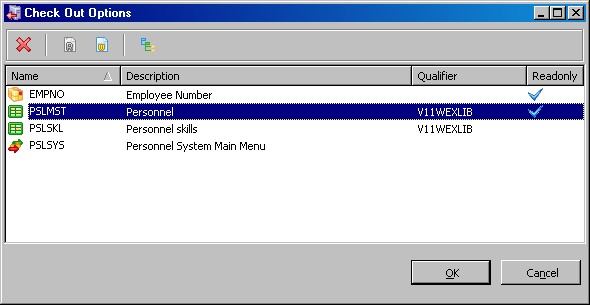
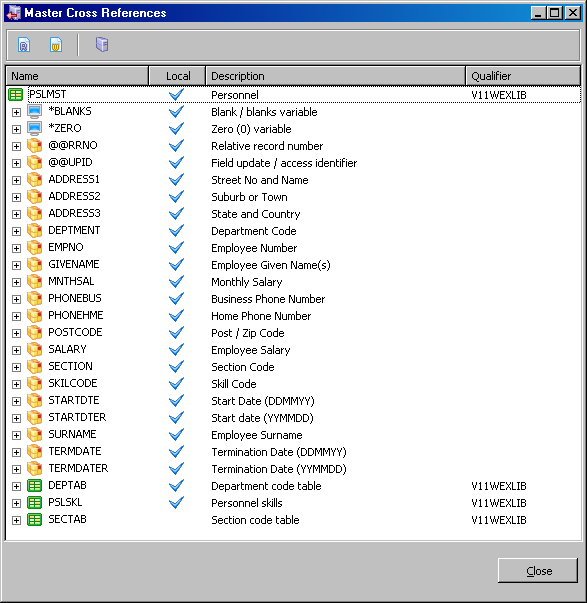
Use the Cross References  toolbar option to select associated objects to be checked out at the same time. For example if you review the references for a file you can select to check out all or some of the fields used in the file at the same time.
On the resulting Cross References dialog, the Master only  toolbar toolbar option can be used to selected all cross reference objects which exist on the Master Repository but do not exist in the local Visual LANSA Repository.