Page History
...
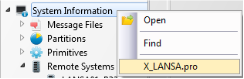
To review the X_LANSA.pro file associated with the current Visual LANSA environment, select the X_LANSA.pro command on the System Information context (right click) menu.
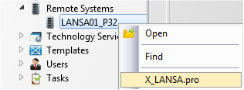
To review the X_LANSA.pro file associated with a remote system select the X_LANSA.pro command on the Remote System's context menu.
The X_LANSA.pro maintenance interface is primarily provided to allow confidential details to be encrypted in the file but it also allows for general review and maintenance of unencrypted information.
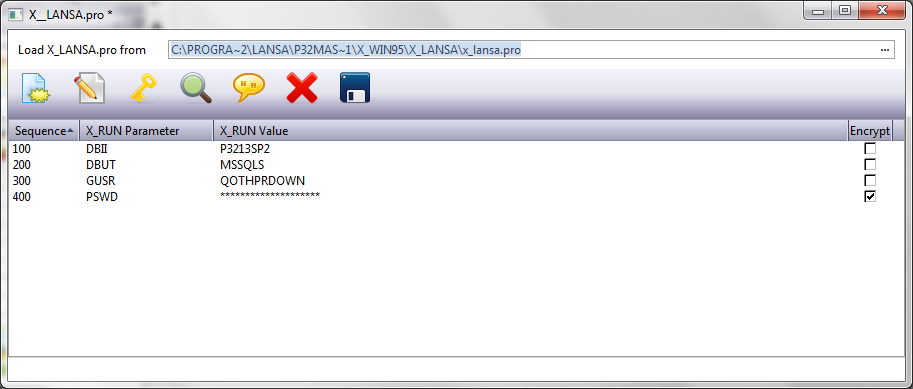
Add
Add entries to the X_LANSA.pro file. Typically an X_RUN parameter and it's associated value is entered on a single line. The value may be selected to be encrypted when the file is saved, in which case the value must be entered twice for verification.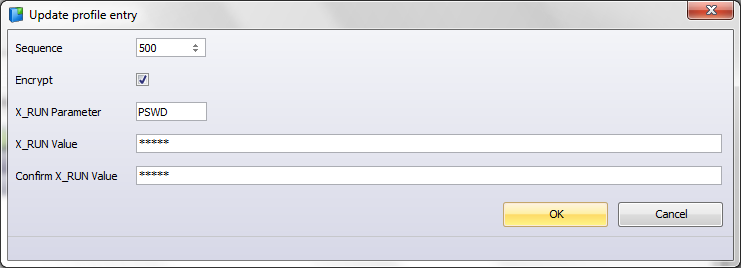
To enter a comment, enter the text in the X_RUN Value preceded by a semicolon.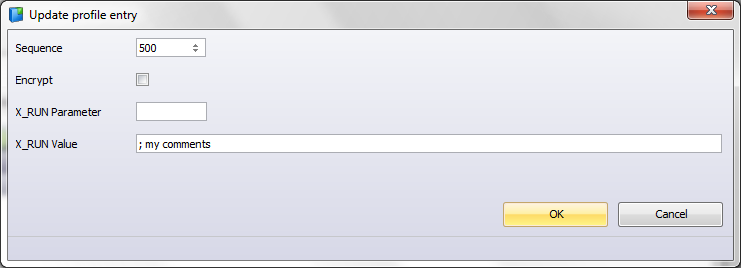
Modify
Modify the selected entries. Only unencrypted details can be modified. Any encrypted information must be deleted and reentered.
Encrypt
Encrypt the selected entries when the file is saved.
Create Trace Entries
A set of standard X_RUN details is added to the file to enable tracing in the selected system. The default values are set for highest level tracing and can be modified as required.
...
ITRM = 999999999
ITRC = ALL
Comment
Comment selected (unencrypted) lines.
Delete
Delete the selected lines.
Save
Save the X_LANSA.pro.
| Note |
|---|
| Note: Modifications to the X_LANSA.pro must be saved before they are applied to the file. |
...