Page History
Quick Export provides a simple and easily accessible way for you to create exports of Visual LANSA object definitions.
Accessing Quick Export
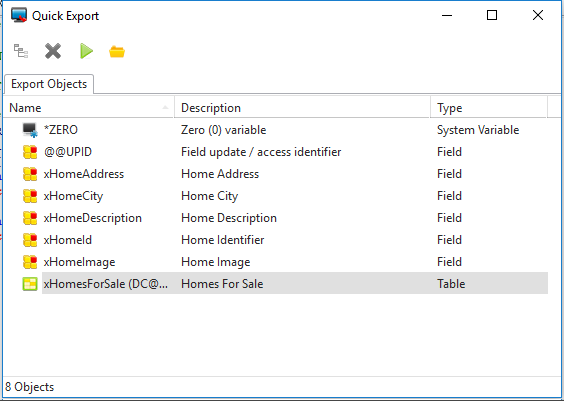
Quick Export can be accessed from the main LANSA toolbar or from any repository object context menu, provided that it is available for export. The dialog is modeless, allowing the LANSA Editor to be accessed to add further objects to the export. When the Quick Export dialog is closed, all items in the export are removed.
...
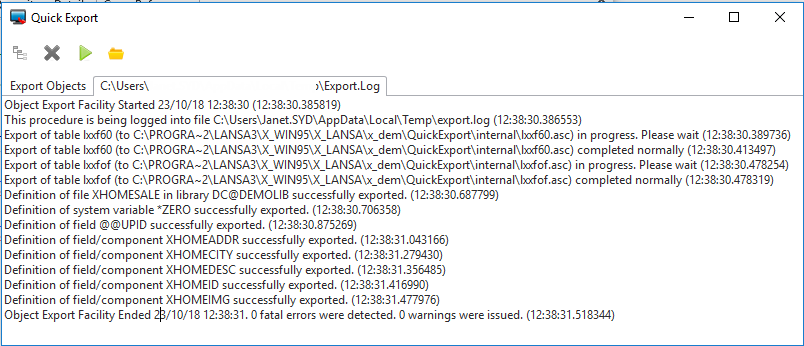
This is a modal process and will lock the LANSA Editor while the export is running. When complete, the export log will be shown.
As the name suggests, QuickExport is not intended for large exports. If you need to export large volumes of objects, you should use the Deployment Tool.