Page History
...
When you select the Group By command or press this  toolbar icon, the Group By dialog box is opened.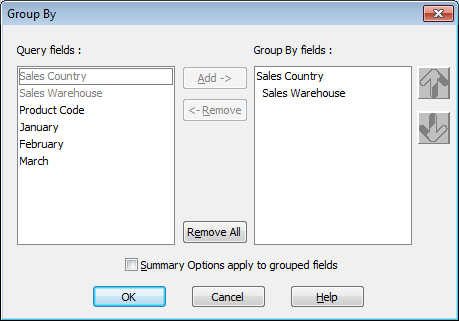
Use this dialog box to select the fields to which you want to apply grouping conditions and to specify whether the summary options you set in the Summary Options command are to be applied to these groups immediately.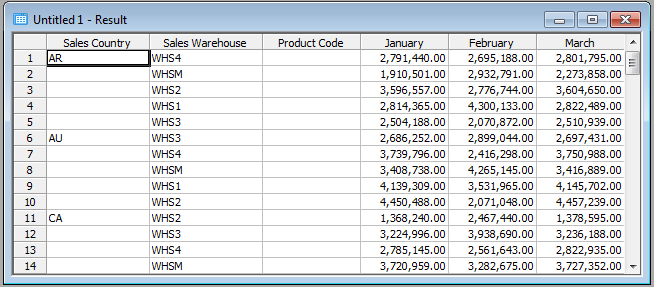
You can expand or collapse your grouped results in the Results window, as described in the 8.6.6 Expand Group & Collapse Group commands in the Results menu.
| Refer to LCE260 – Group, Summary and Sort options in the Tutorial for more details. |
