Page History
...
Tile or Cascade and then click anywhere on the query window.
or
select Select the query window from the list.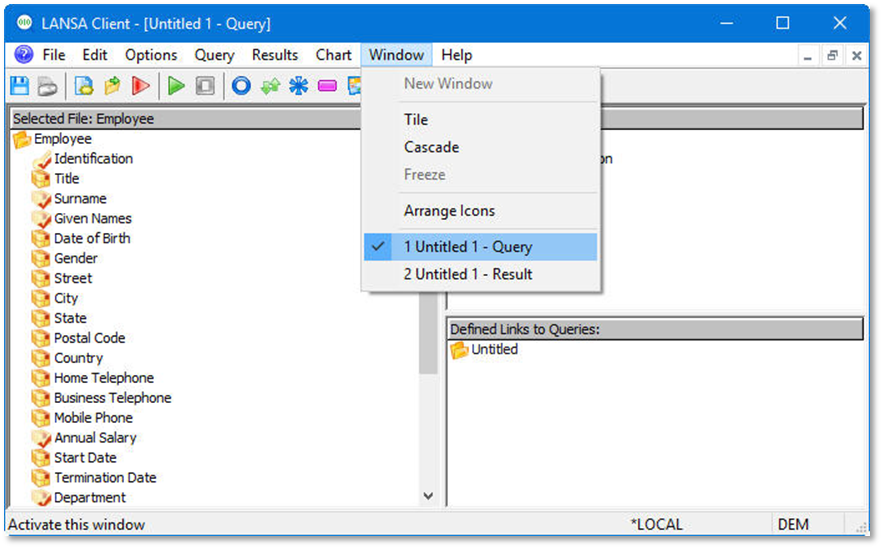
2. From the toolbar select the File menu and choose the Save As from the list.
3. From the Save As dialog box, give the File name: Top 10 Annual Salaries. The Save as type: will default to LANSA Client Query File (*.LCQ)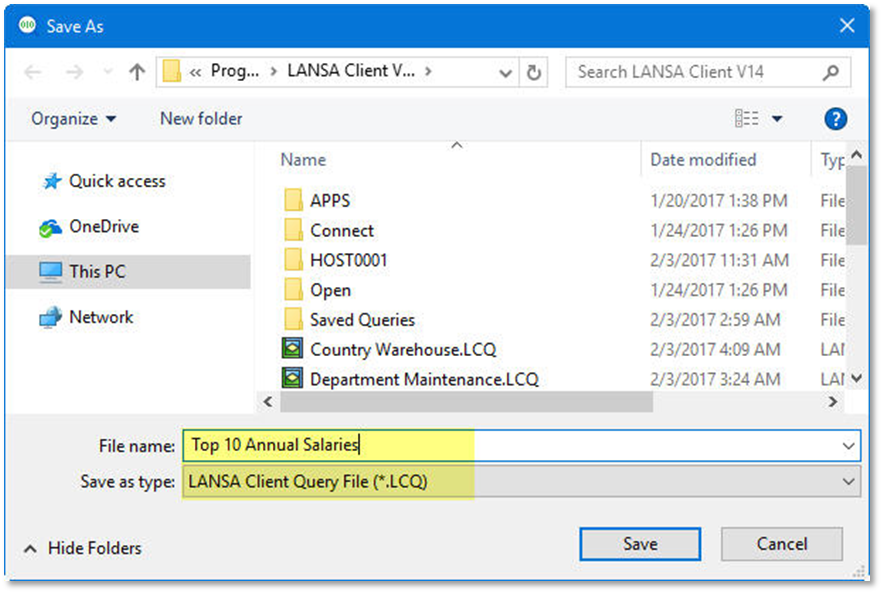
4. Press the Save button.