Page History
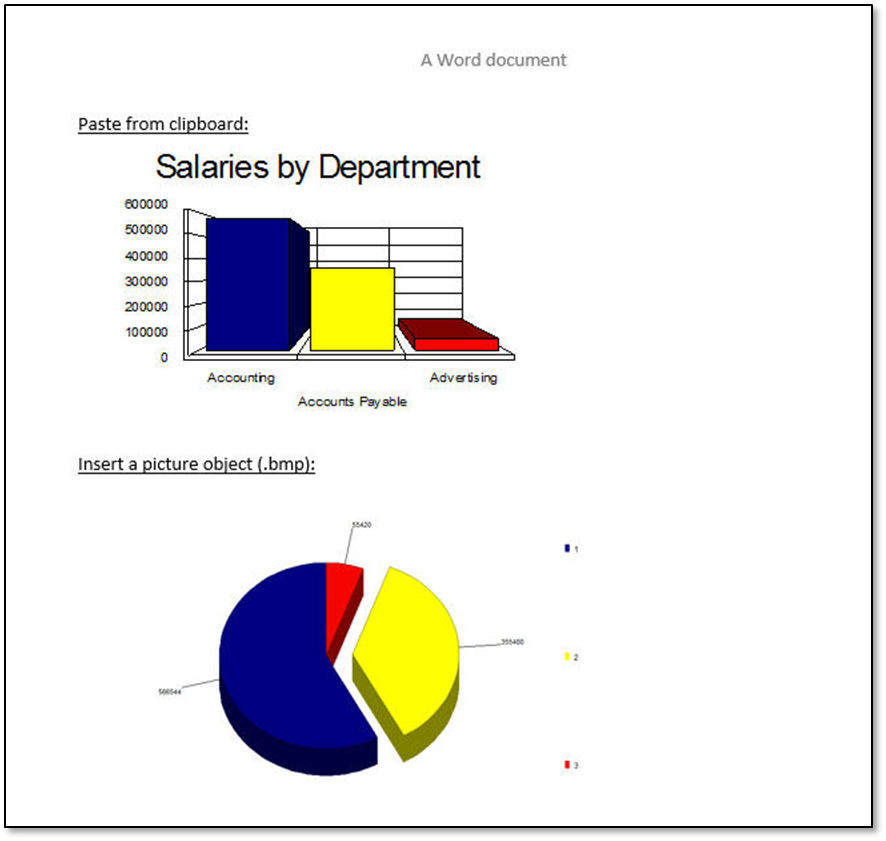
To save your pie chart as a bitmap Salary Chart.BMP:
1. Make sure the pie chart window has the focus or click your mouse on an area of it.
...
3. From the Chart Save As dialog box, give the File name: Salary Chart and choose Save as type: Bitmap{*.BMP}
4. Press the Save button.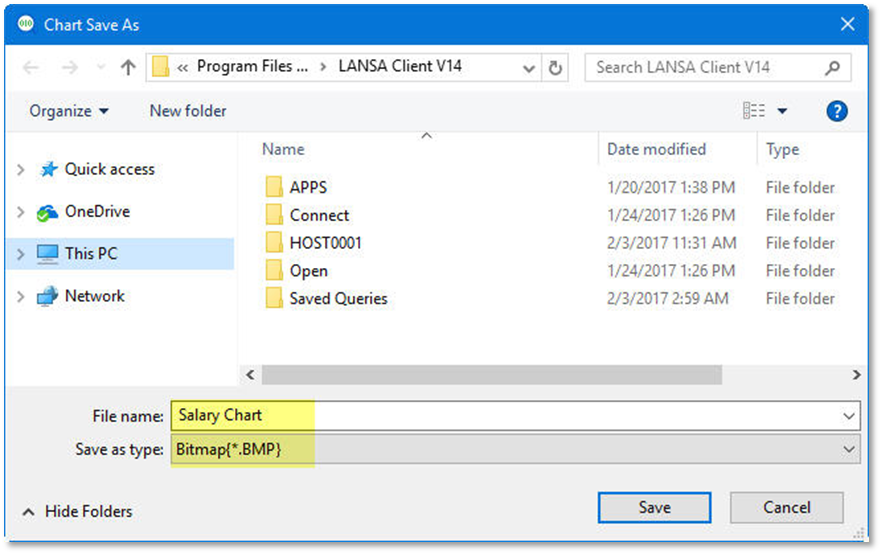
5. To copy one of the other charts to clipboard:
...
b. From the toolbar select the Edit menu and choose the Copy command, or use this command's accelerator keys (Ctrl + C).
6. Use both saved charts in another application.
...
b. Then locate and insert the image file.