Page History
1. Start the generated application by selecting the LANSA Client group from the Windows Start menu.
On the PC, click the START button  (lower left corner of the desktop), then locate and open the LANSA Client group.
2. Click on the Training application in the LANSA Client group.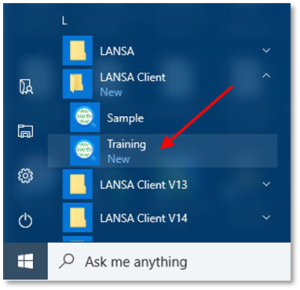
3. One by one, select the commands in your Employees menu to run the queries.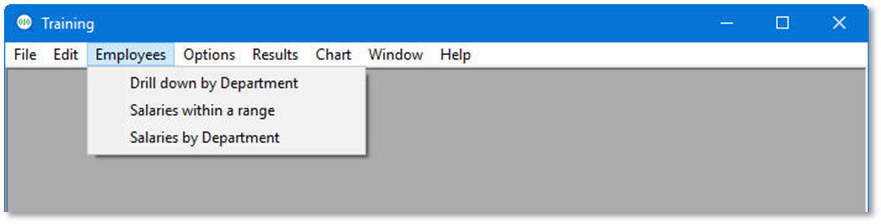
4. Close the Generated Application.
...
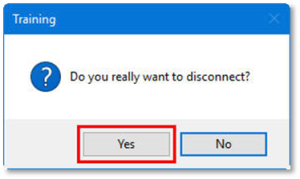
6. If prompted to disconnect, click the Yes button.