Page History
...
This facility gives you the flexibility of varying the data's presentation once you have seen the results - without having to change the query or to rerun it.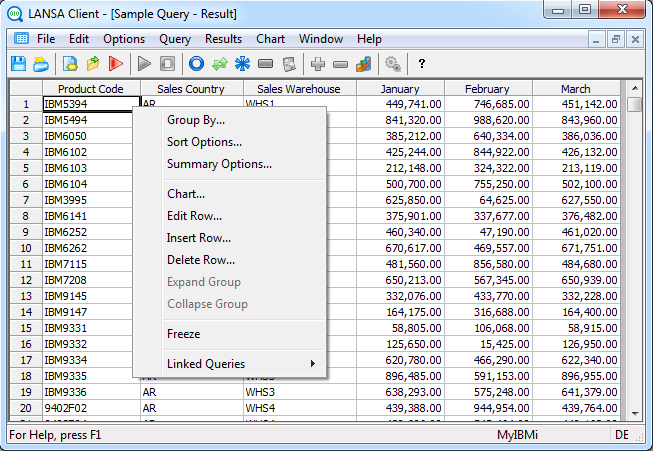
- To re-sort your data or change your sorting requirements, select the Sort Options command.
- To group or re-group your data, use the Group By command. For example, you may want to change your employee within department grouping to employee within section within department groups.
- To define or re-define your totaling and summarizing, select the Summary Options command. For example, you may choose to include the average salary as well as the total salaries for each department.
...
For details about the Sort Options, Group By and Summary Options commands, refer to Creating and Running Queries.
...