Page History
...
1. On the File menu select Options, to open the LANSA Options dialog.
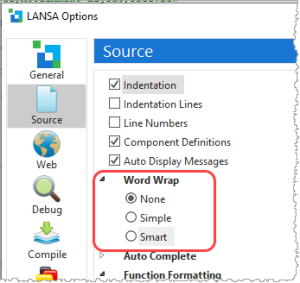
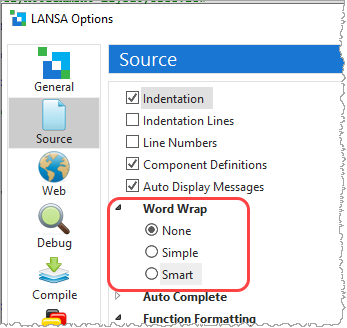
a. Select the Source icon to view the source code settings.
...
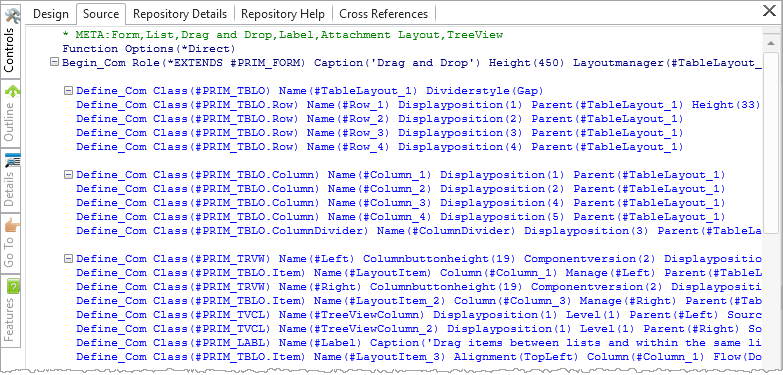
2. Each line of source code is now shown as a single line. Of course, this means we cannot see all of the long statements, depending on the width of the Visual LANSA window.
| Panel | ||||||
|---|---|---|---|---|---|---|
| ||||||
| Optional: You can try the other Word Wrap settings to see how they impact the code display. |
...
5. Alternatively, the Open button on the Home ribbon lists all open objects. Any object can be closed from there:
...
No changes should have been made to the code. (If you have made a change by mistake, simply click No when asked to save changes.)
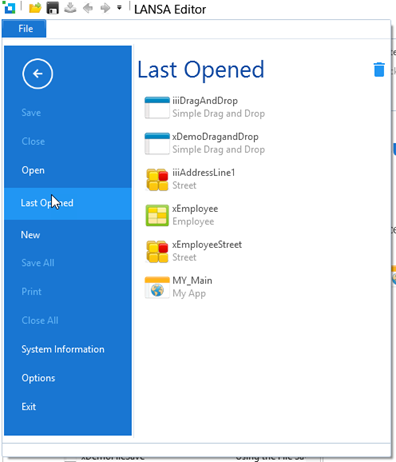
7. In the File menu, select Last Opened, which lists all recently opened objects. Select iiiDragandDrop to re-open it in the editor.