Page History
...
You do not need LANSA Composer client installed to use the Management Console applications - you simply need a desktop, tablet, or mobile device with a supported browser.
The applications are designed using responsive web - application design principles and technologies, making them suitable for use in multiple browsers on desktop computers, tablets, and mobile devices alike.
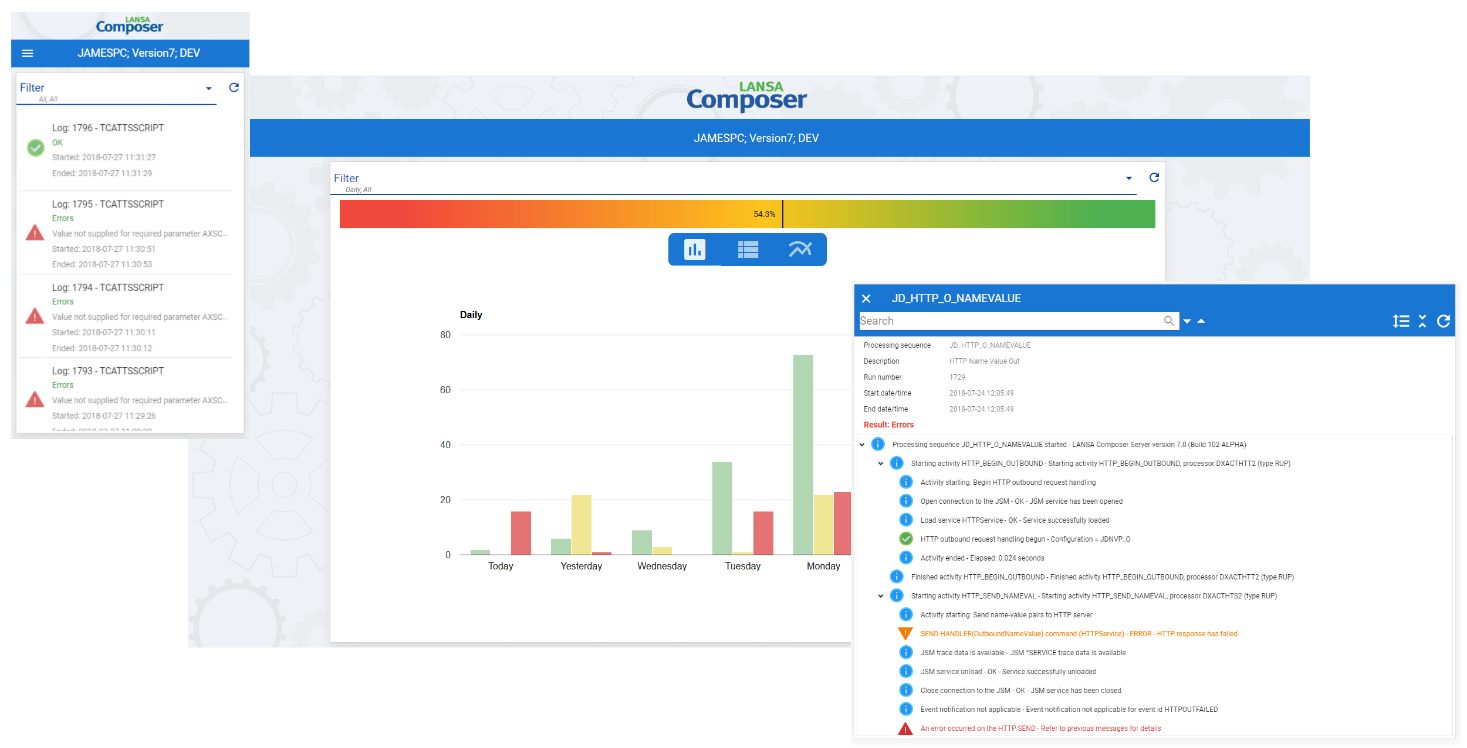
Web Interface for the Management Console
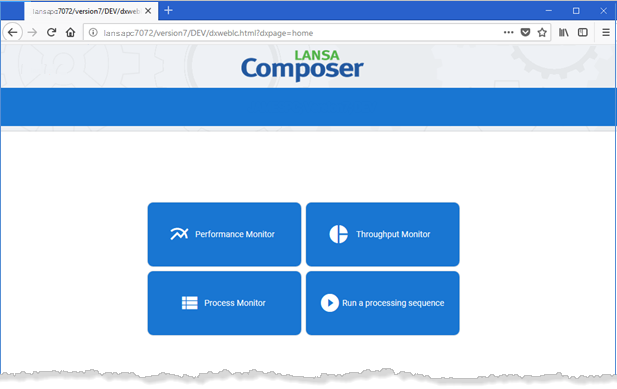
Use a browser to run the Process Monitor, Performance Monitor, and Throughput Monitor. Additionally, you can run processing sequences from the browser.
Performance Monitor:
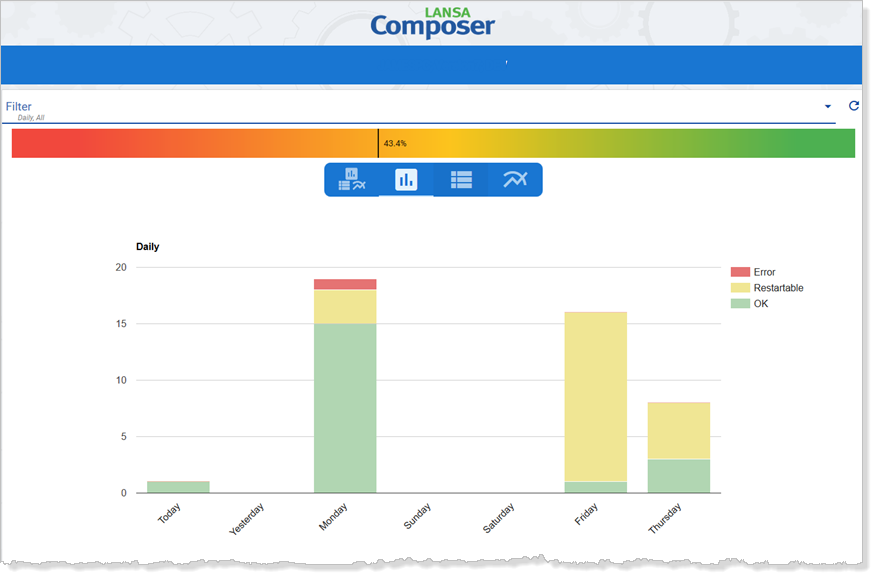
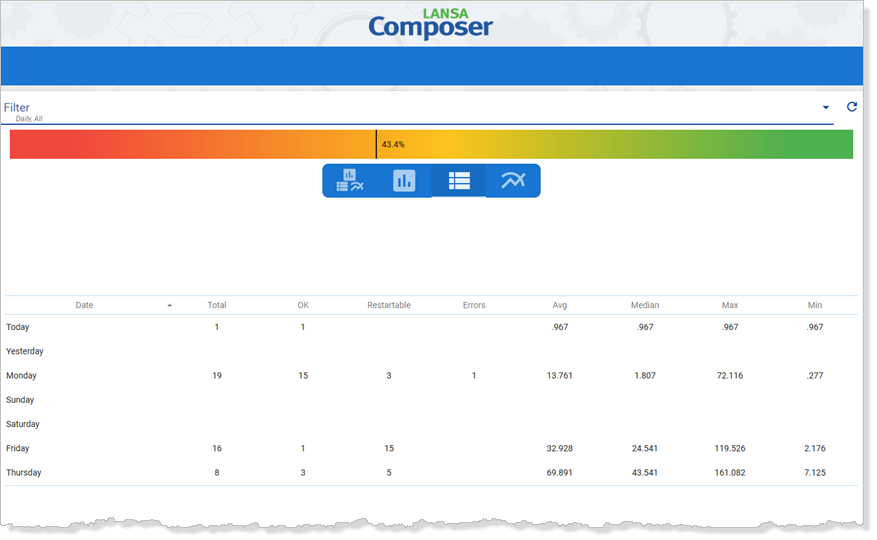
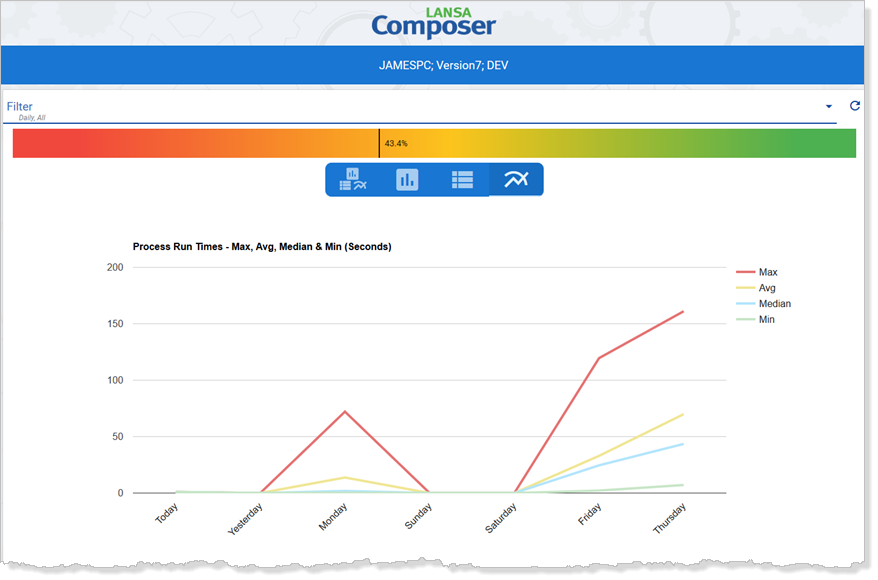
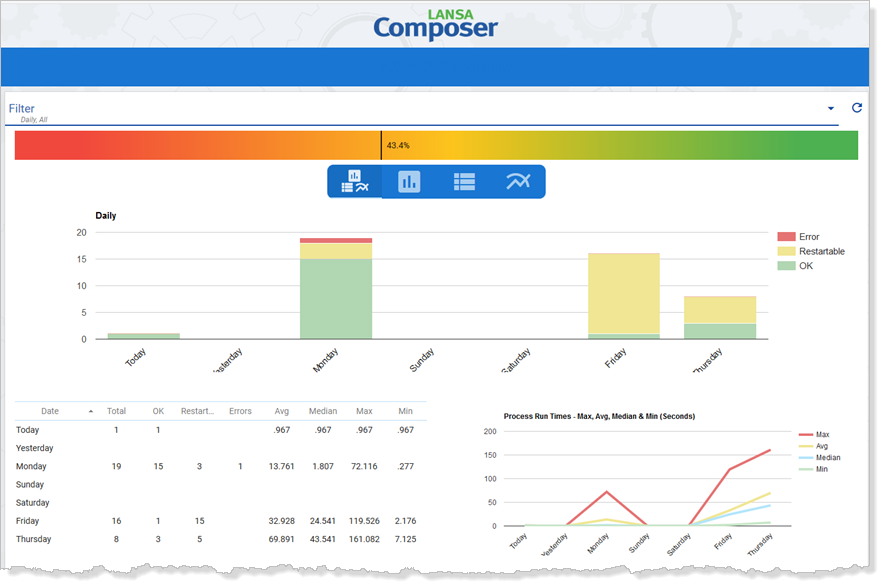
Throughput Monitor:

View processing sequence status:
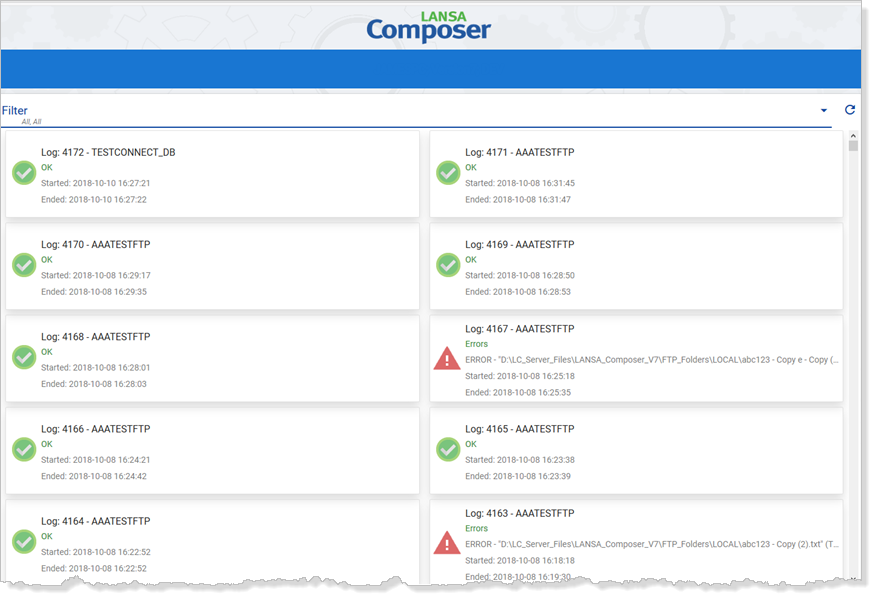
Read through processing sequence logs:
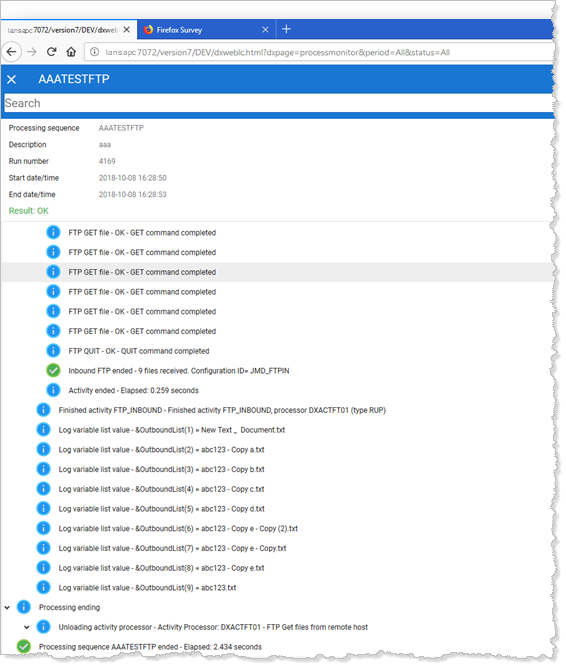
Processing Sequences from the browser:
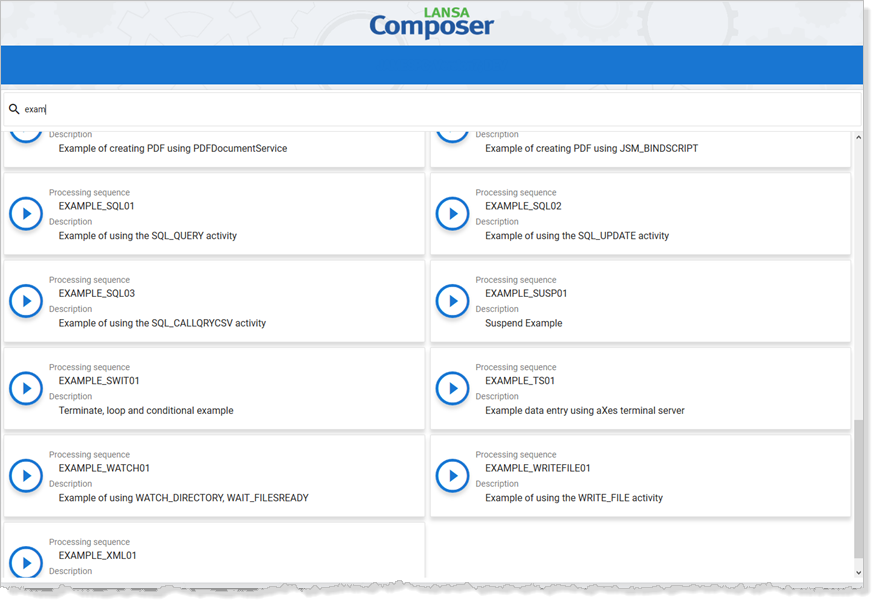
Processing Sequence from the web dashboard:
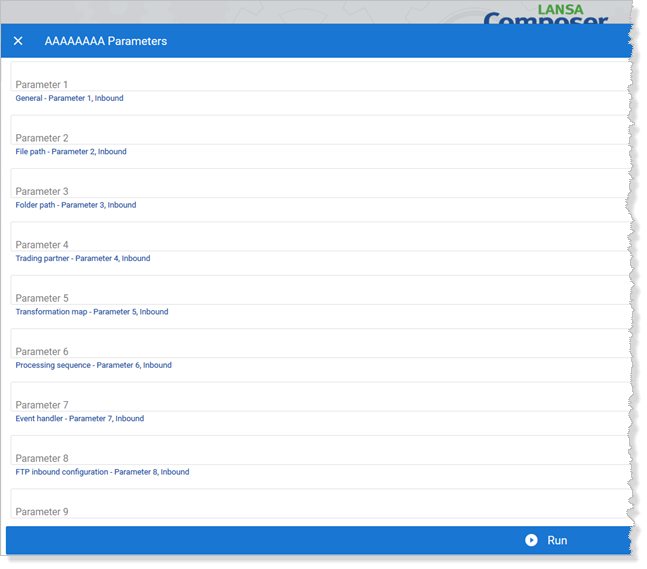
Parameter prompts to get their definitions:
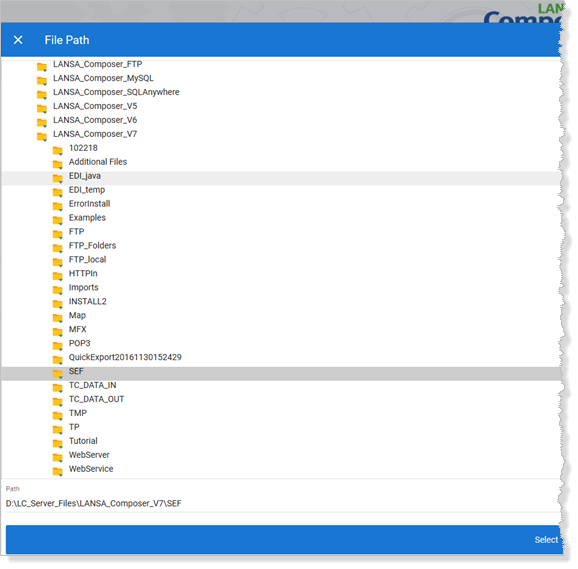
Add Parameters to files and directories using a file picker:
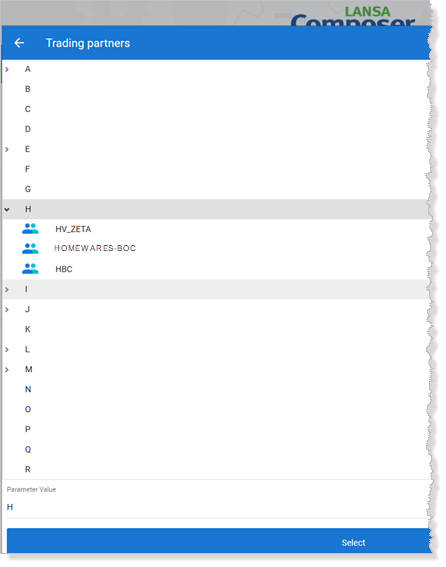
Parameters added based on internal definitions such as Trading Partners, Activities, Database Configurations:
For further information about the Management Console applications, please refer to the following: