Page History
...
5. Start the LANSA Composer Document Manager application (you can use the option from the Tools menu in LANSA Composer or the installed program shortcut). Select the Documents option from the Navigator. Expand the Today entry in the By Date tab of the instance list to locate your transaction document and select it. Click the History tab to see the processing history for the transaction document.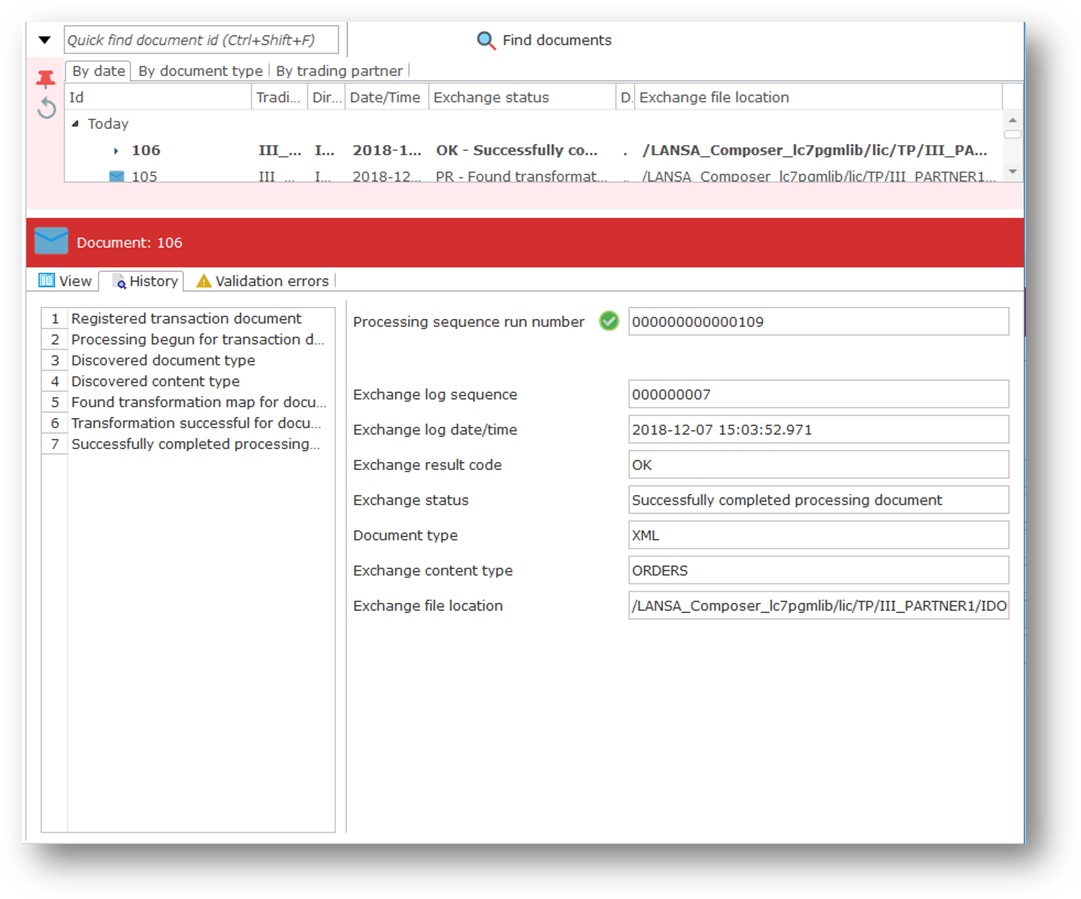
| Info |
|---|
| Congratulations … you have successfully received your first transaction document through LANSA Composer's transaction document processing framework! |