Page History
...
| Note |
|---|
| Note: Do not change LansaStack-DBWebServer settings. It is important that there is 1 and only 1 of these instances running. |

3. Click Edit to change these settings. Set the Desired to 2 and the Min to 2. This will instantiate an extra Web Server instance.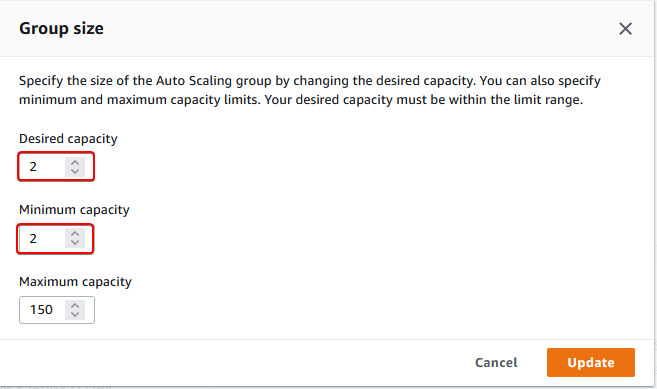
4. Click Save to apply the new settings. Notice the list is updated with the new settings and the Instance count is 1. Within a short time that will change to 2. Click the refresh icon to see the change.
5. You may see this instance initializing in the EC2 Instances view. You have forced the Auto Scaling Group to create 1 new instance.