Page History
...
Using a cache manifest file with the appropriate resources added, your application will load and continue to work correctly, even if the user presses the refresh button while offline. In this scenario the browser will only refresh resources if the cache manifest file itself has changed (i.e. the Web Page is recompiled). For example, the sample application Mobile App with Offline Support has a Web Page xDOMain. When you open this you can see the list of Derived Resources.
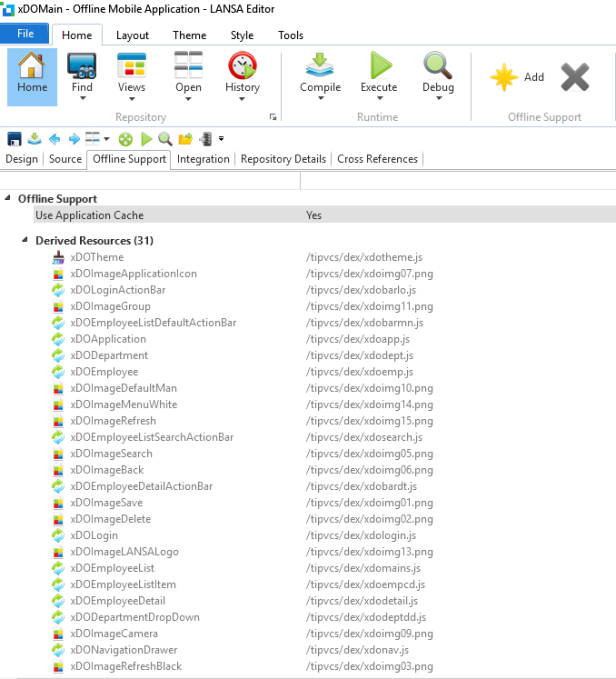
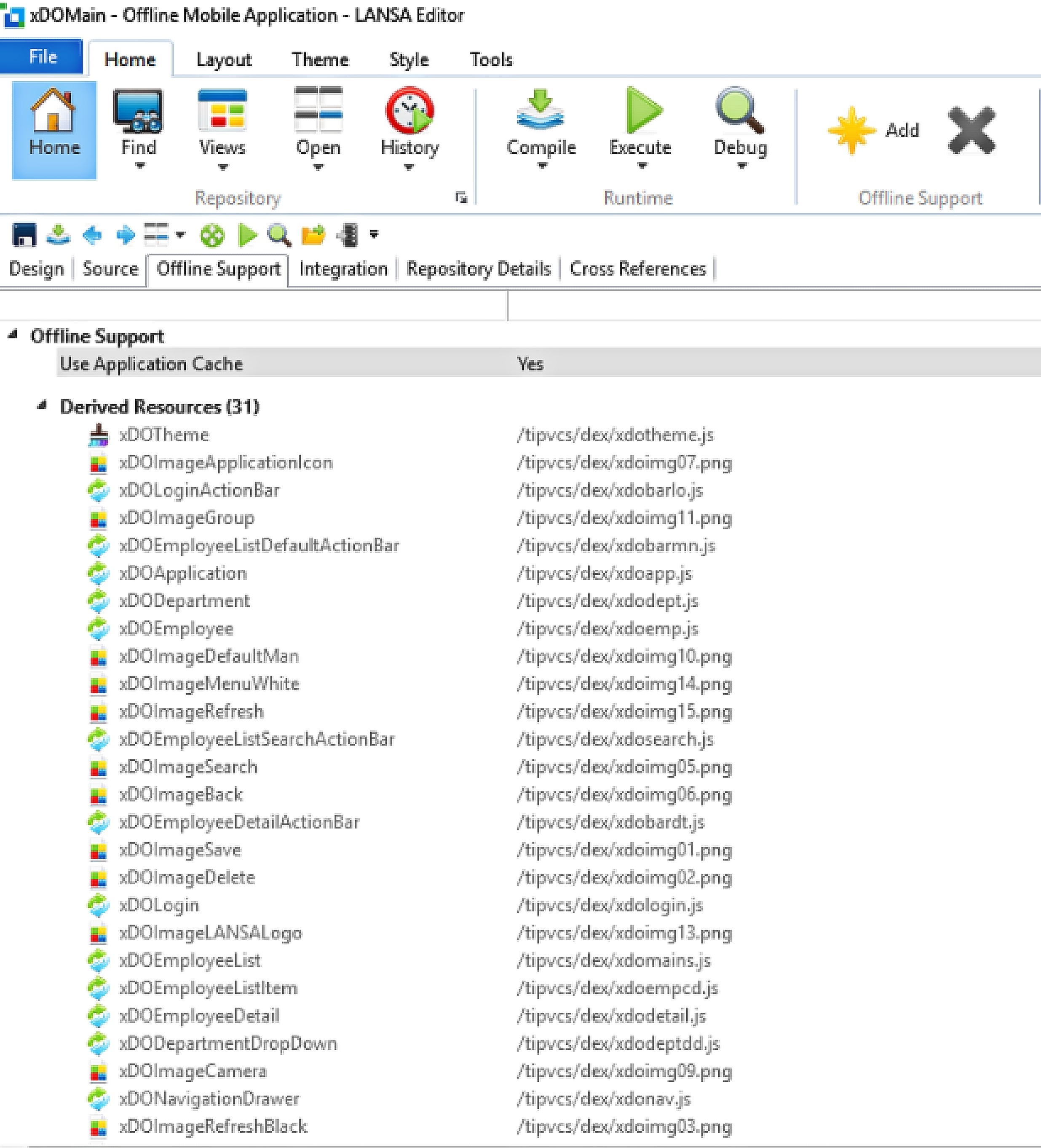
These objects are automatically included when you nominate to Use Application Cache on the Web Page. When the Web Page is compiled the listed objects will be included in the generate cache manifest file <web page>.appcache file. Executing the Web Page, the browser knows these resources will be available on the specific client and that there is no need to go to the web server.
This disconnect from the web server means that a Web Page can be loaded and executed entirely without having to access the server and that the application can in fact execute entirely offline. While this is certainly desirable in many scenarios, the developer needs to ensure the application can execute without needing to read from or write to the database on the application server.
| Note |
|---|
| Note: If you plan to use Offline Support as a feature, it is recommended that you design your application as a Single Page Application. In this case, each Web Page in the application will link to their own cache manifest which will in turn be implicitly cached separately. |