Page History
...
And add a new line to your standard layout function to make sure the image dispappears as new screens arrive:
ApplyStandardLayout : function(aPromptFields)
...
{
...
/* Drop any floating images left around from before */
...
if (this.oFloatingImage != null) { this.oFloatingImage.style.visibility = "hidden"; this.oFloatingImage.style.display = "none"; }
...
You have now added you own completey generic InsertImage capability to any RAMP-TS 5250 screen.Try it out by adding this line to the arrival script of a screen:
SHARED.InsertImage("SURNAME","/ts/skins/images/TestImage1.gif",123,100,90,0);
...
And you get this: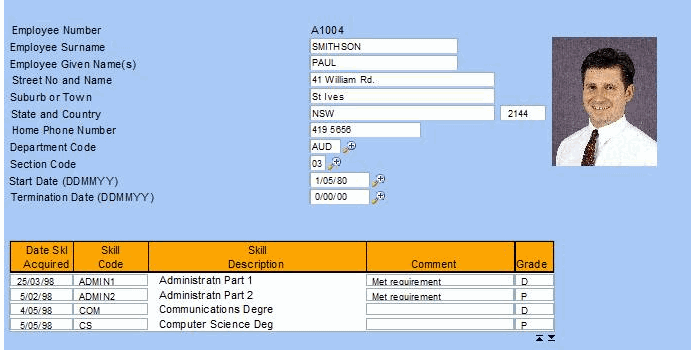
The SHARED.InsertImage() can now be reused anywhere in your application. Do not forget to set authority correctly on an new files in aXes folder.
Remember that adding a new command handler tab for the image would be a quicker and easier solution.