Page History
1. From the toolbar select the Options menu and then choose the Group By command. Alternatively, you could select the Group By  icon from the toolbar.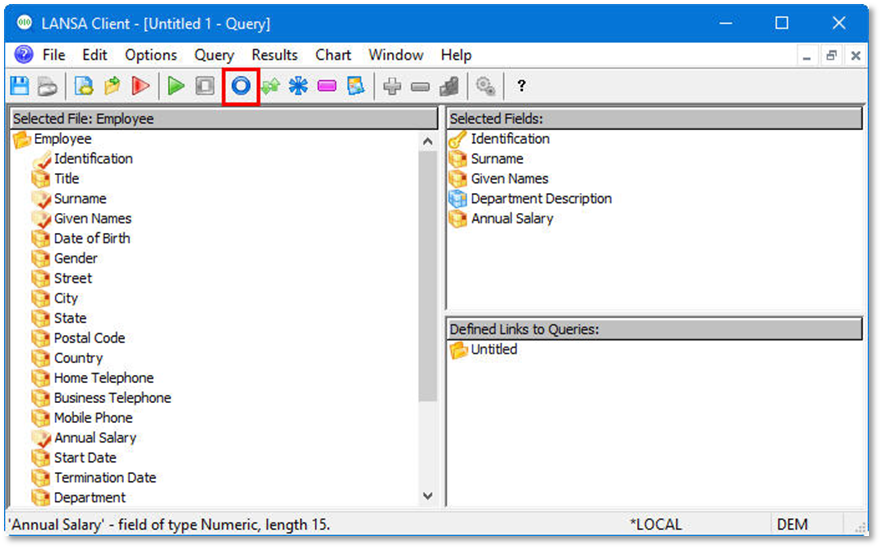
2. From the Group By dialog box, add Department Description to the Group By fields list.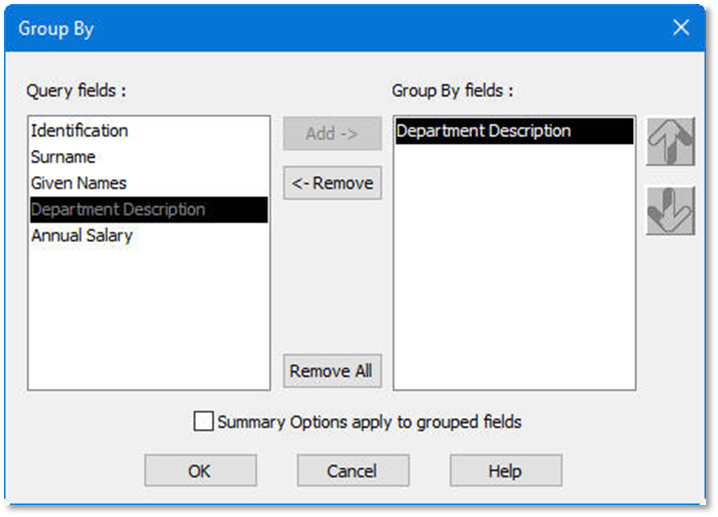
3. Press the OK button.