Page History
Launching To launch the table selection wizard in the Aqua Data Studio AI Assist window from , first type a natural language query in the Query Analyzer provides access to a table selection wizard based on your active database connection. To trigger the wizard, select , highlight it, and then click the "Share Database Metadata"  icon in the AI Assist toolbar. This will trigger the metadata generator, which provides table suggestions based on your active database connection.
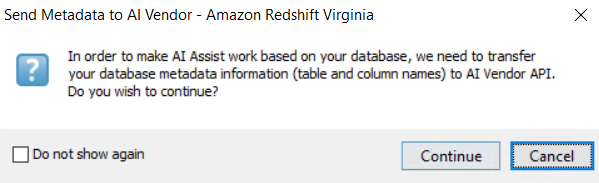
For security reasons, ensure that you consent to transferring your metadata to AI before proceedingand click Continue.
The DB Metadata Generator for AI popup will open, where you can select the Tables you want to use in your query.
...