Page History
...
1. When the Development Environment is displayed, display the Version Control tab by clicking on this icon: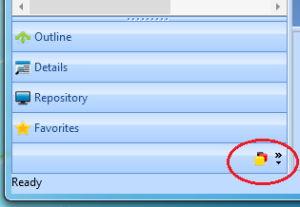
2. Right click on the Version Control folder and click Show in Windows Explorer: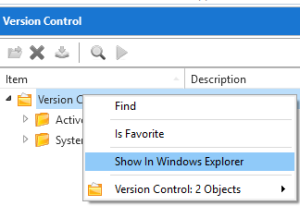
3. Copy the whole of the path. Paste this into the working folder in the VCS: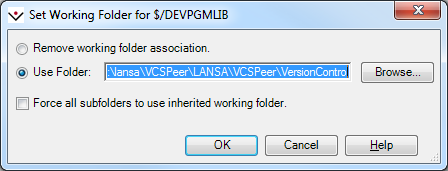
4. Right click on DEVPGMLIB and choose Get Latest Version. As the objects are written to the working folder they will be automatically synchronized into VL.
...