Page History
...
Default Cross reference behavior is defined in the Default Cross Reference Options dialog opened from the Tools menu on the Deployment Tool's main window.
Each object type included in the left hand side of the Default Cross Reference Options has their own default settings. Select each object type to review the default settings.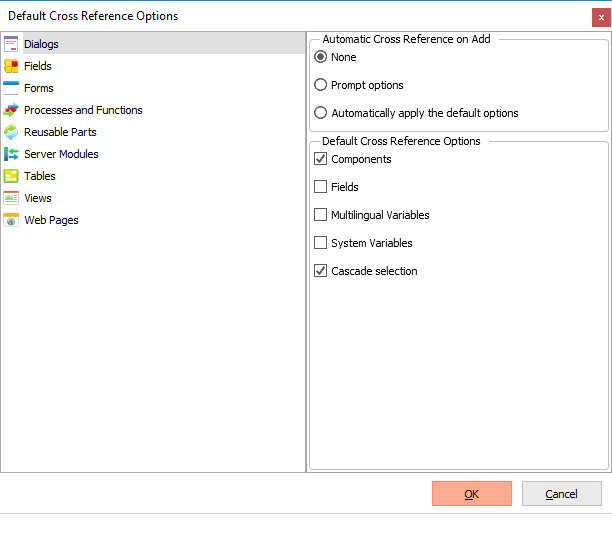
The options selected in the Automatic Cross Reference on Add section of the dialog control how the default cross reference options are displayed and applied when a package is created. These are:
...
| Info |
|---|
| It is not recommended that you select Files as Cross Reference objects as default values will be applied for Data Processing, Upgrade Processing and Library Substitution values. |
Refer to Cross Reference Settings for more information.