Page History
When you click on the Language... button on the Administrator dialog box, the LANSA Client Language Options dialog box is displayed. This dialog box allows you to select the language in which LANSA Client is to run. That is, the language to appear on the LANSA Client windows and dialog boxes.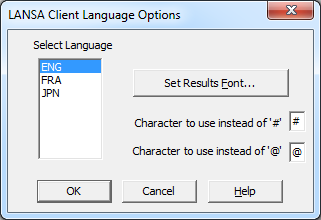
Select Language
...
You will be returned to the LANSA Client Administrator.