Page History
...
| Code Block | ||
|---|---|---|
| ||
# we have the output from the agent. If it is ERR that means there was a problem running the script on the agent
`grep ERR $TMPFILE`
if [ $? -eq 0 ]
then
echo "Could not execute agent side script!"
# by exiting with a 2 we are forcing a CRIT service outage
exit 2
fi

# in this script we don't need to check thresholds or determine which information to check
# we just need to reformat the agent side script output slightly so that only numerical info is displayed
# we do this by trimming off the first word returned on each line from the agent, leaving just the numbers
# and printing that to screen, Uptime Infrastructure Monitor will handle the rest

awk '{print $2}' $TMPFILE

exit 0 |
Adding Custom Service Monitor with Retained Data to Uptime Infrastructure Monitor
...
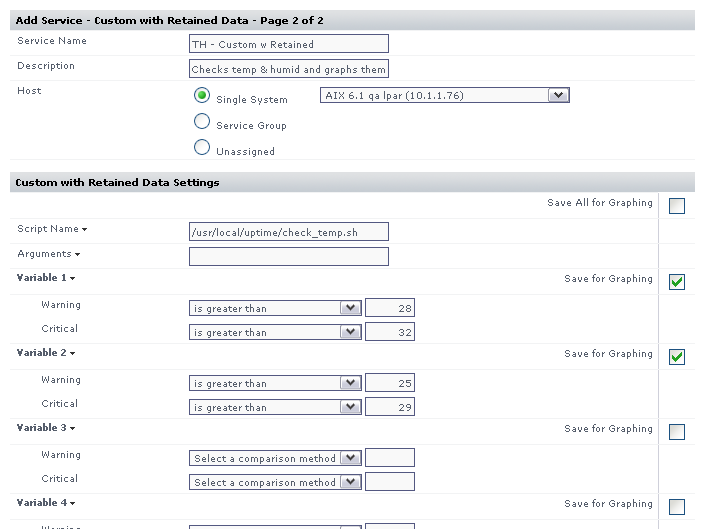
The image below illustrates a sample monitor configuration. This service monitor will indicate a WARN or CRIT whenever the monitoring station custom script returns WARNING or CRITICAL in its output.