Page History
...
     Function Options(*DIRECT)
     Begin_Com Role(*EXTENDS #PRIM_FORM) Clientheight(130) Clientwidth(492) Height(157) Left(304) Top(155)
     Define_Com Class(#ACTIVE.VisualPickList) Name(#ACTIVE) Displayposition(1) Height(25) Left(160) Marginleft(50) Parent(#COM_OWNER) Tabposition(1) Top(32) Width(129)
     End_Com
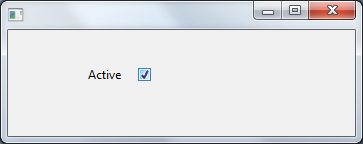
Appearance
| Note |
|---|
Notes: Clicking the check box will set the corresponding value for the field from the picklist items. Values are chosen from the following rule:
|