Page History
...
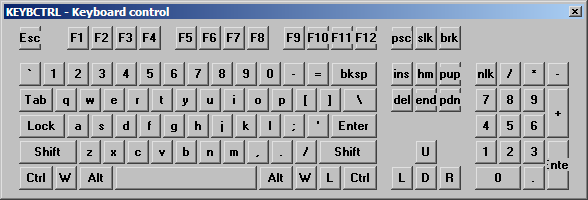
The keyboard control is part of a collection of instrumentation ActiveX controls. It is an on screen keyboard with mouse control support and is designed for touch-screen applications or keyboard-less applications: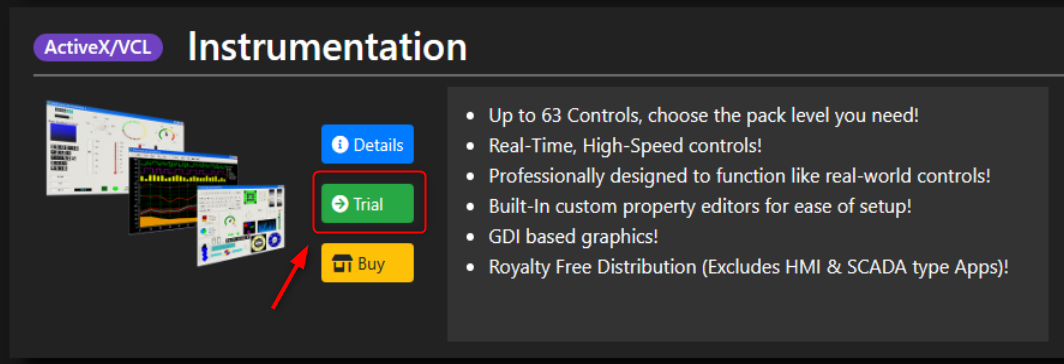
You can download a trial of ActiveX/VCL on the iocomp software site.
...
1. To download the controls, click the Trial button in the ActiveX/VCL section.
2. In the Trials section, click the Download button of ActiveX.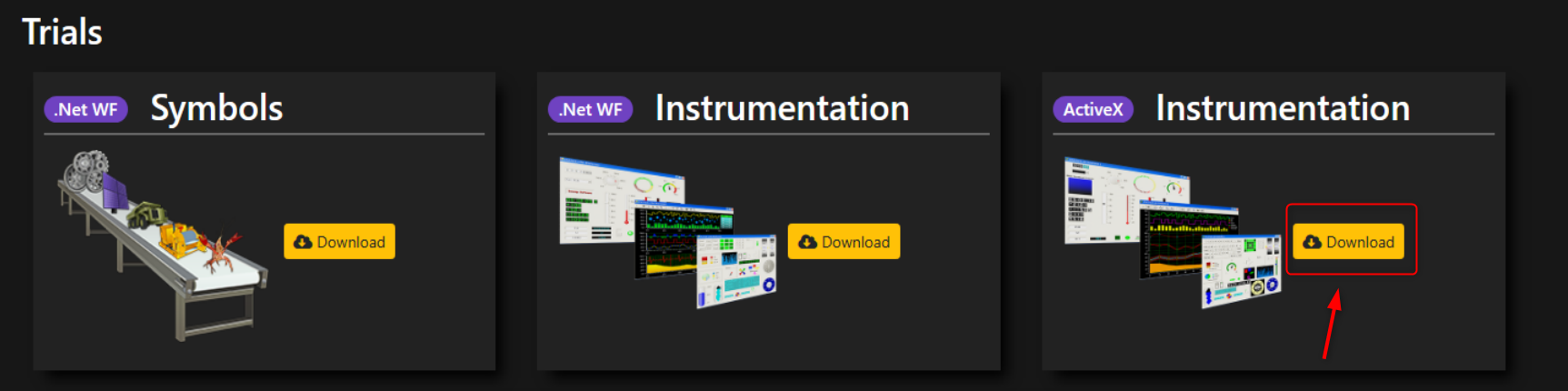
3. The instrumentation controls are downloaded in an exe file. Open the installation wizard by double-clicking the file.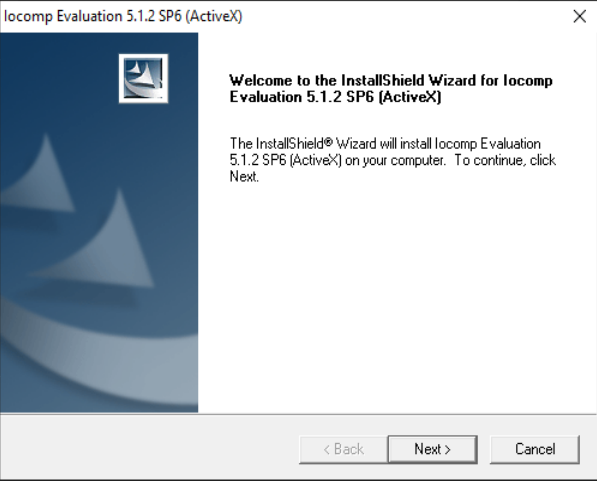
4. Accept the terms and conditions, register your information details and choose the Destination Location: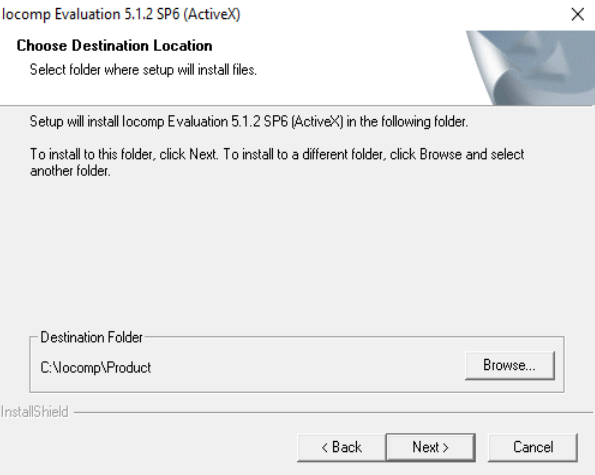
5. Select wether you want Support for the Open Platform Communications features or not.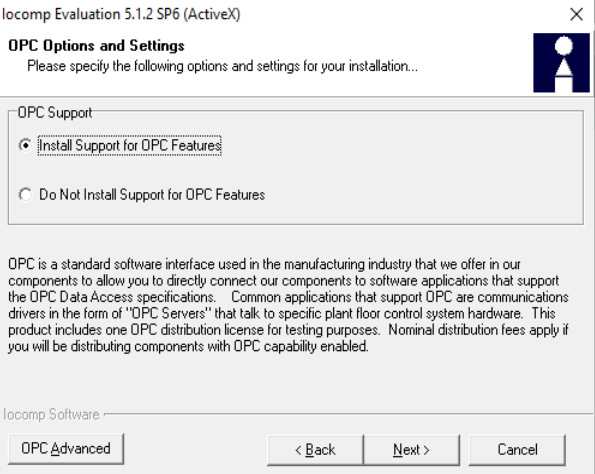
6. Click the Next button to copy the program files.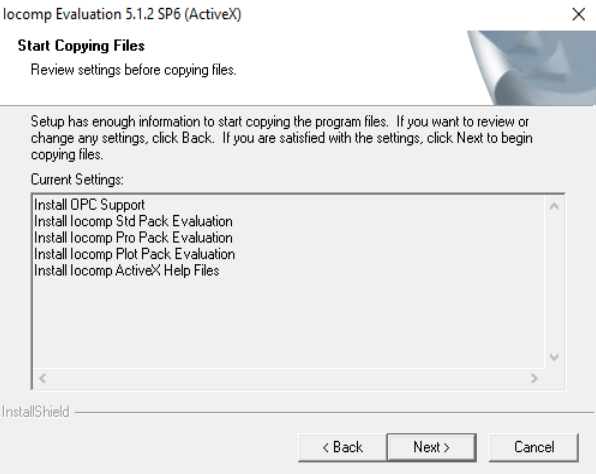
7. Click the Finish button.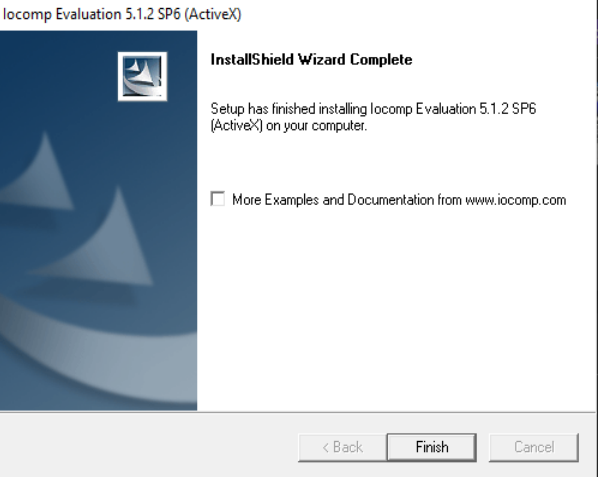
...