Page History
...
4. Close the Development Environment and select DEX and click OK.
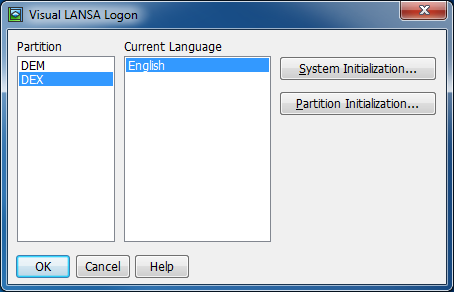
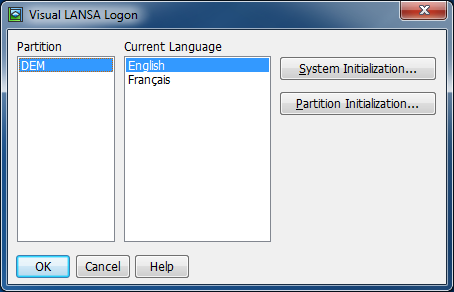
5. Leave that system running while you prepare the export from your source system.
...
- Check Partition Definitions and User Objects.
- The System Objects are unnecessary.
- You MUST NOT import the System Definitions.
- Check Save As Repository List.
11. Click Import.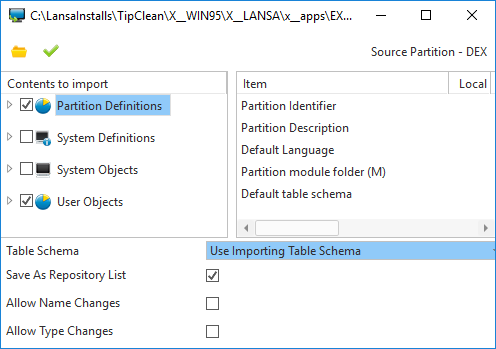
12. When the import completes, close down the Development Environment and restart it.
| Note |
|---|
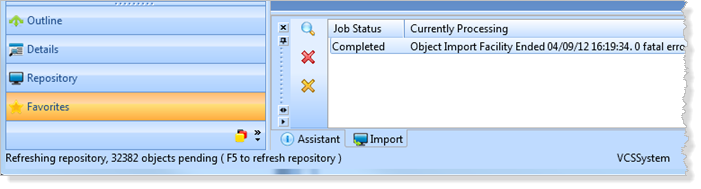
Note: Once the Job Status is completed, you do not need to wait for the Refreshing Repository to complete nor do you need to press F5. At this point you can close the Development Environment: |
...
2. Right click on a selected object and click Add to Version Control.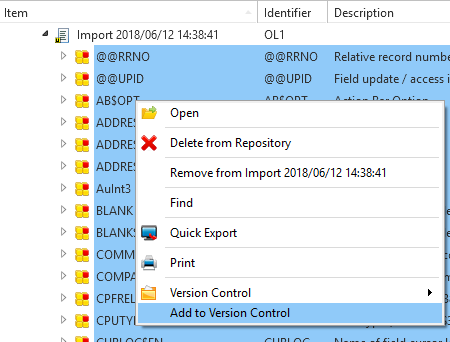
All selected objects will be saved into the VCS Working Folder. This can take quite a while for a large partition.
...