Page History
...
The following dialog will appear: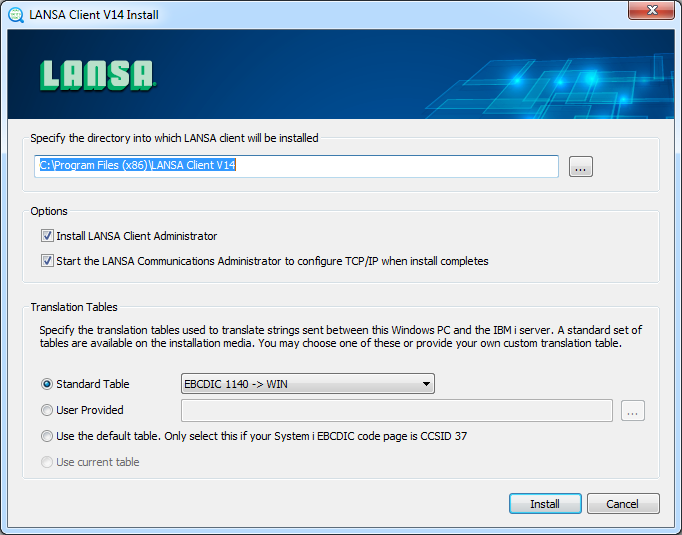
Here you will find all the options and settings necessary to install LANSA Client, including:
...
When you're happy with these settings, click the Install button. A new window will open showing you the progress of the installation.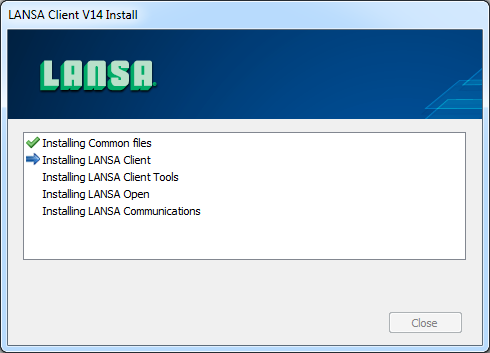
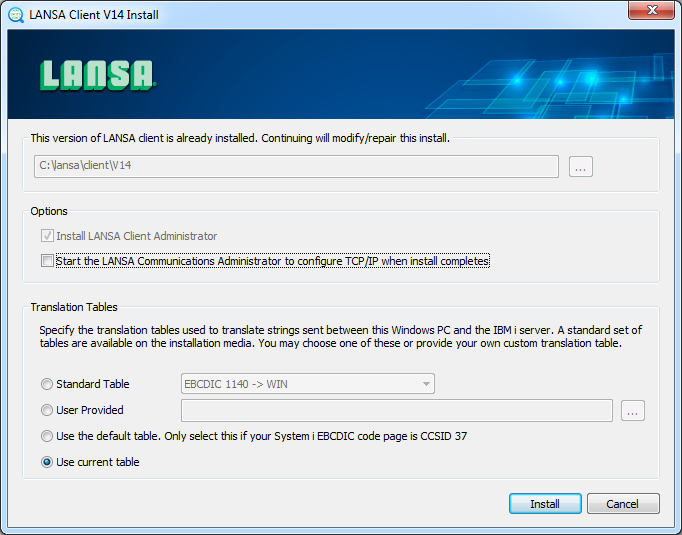
If you already have LANSA Client installed on your system, the installer can be used to upgrade to the latest version. Once you have the latest version of LANSA Client installed, you will not be able to modify the location of Client or to choose whether to install the Client Administrator, however the other options may be changed if needed.