Page History
...
First of all, in the Visual LANSA IDE, select Options from the File menu to open the LANSA Settings.
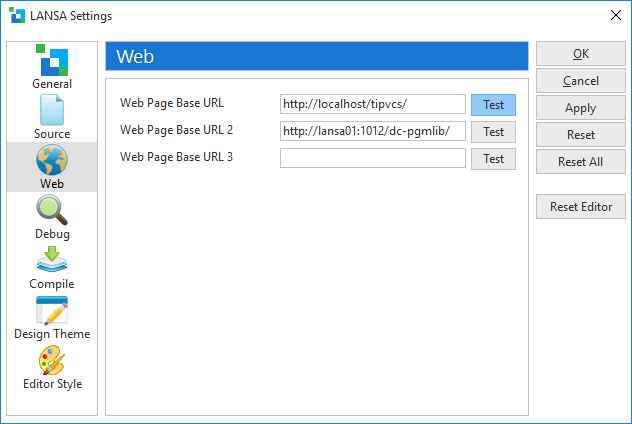
Verify your web server is running by selecting the appropriate Test button. Only the localhost URL is automatically set up - you will need to verify this is using the correct port.
...
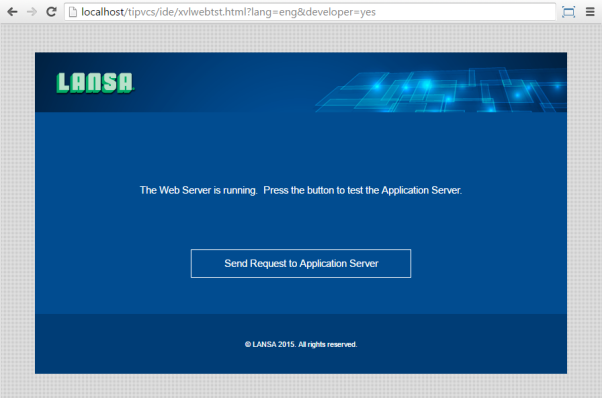
The Test button will launch a Web Page xvlwebtst in your default browser with a url something like:
...
http://<domain>:<port>/<system name>/<partition>/xvlwebtst.html?lang=engThe following Web Page should be displayed. Be sure to press the button to verify the Application Server is also running.
If the Application Server button fails:
...