Field prompters are RDMLX reusable parts written by the designer. They are special field handlers.
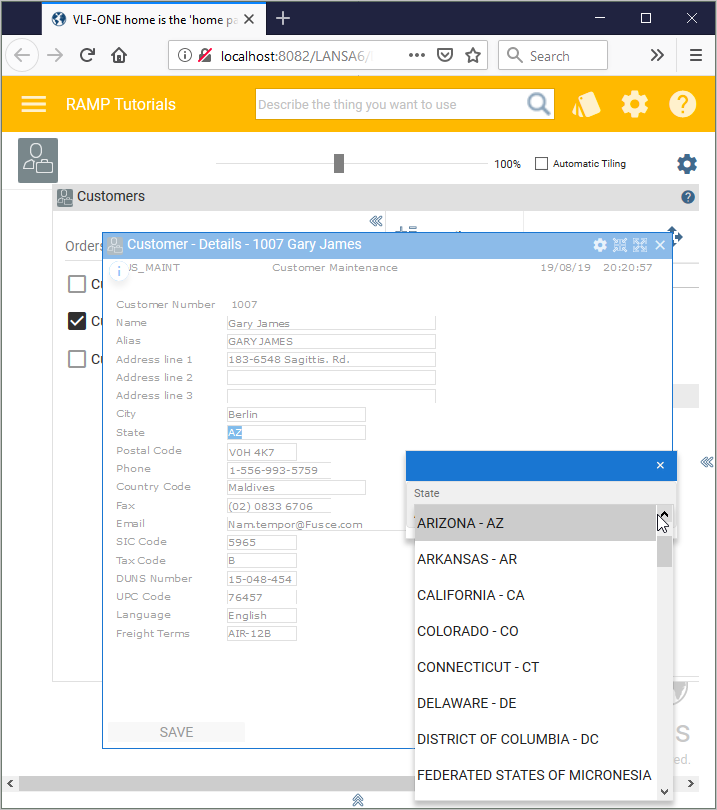
Field prompters have these characteristics:
- They are linked to a field name. All screens in a session containing that field will automatically get the prompter.
- They show as a pop-up panels positioned at the side of the linked field
- They can get/set values in the RAMP screen
- Prompters can only be linked to named fields.
Step 2. Execute the Application